Configuring the system settings
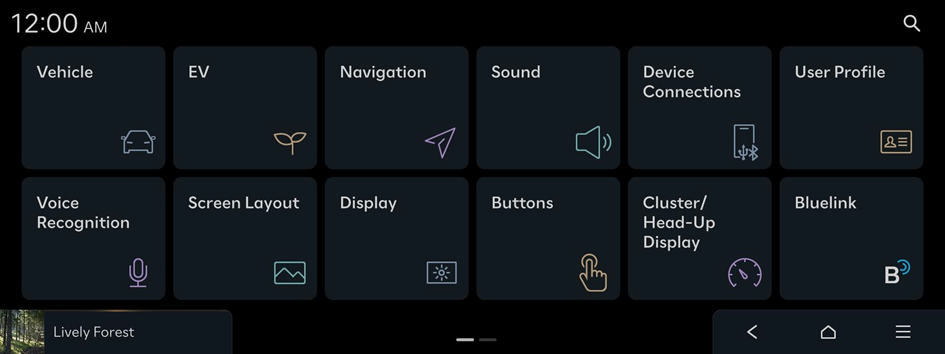
- Press
 on the screen or press the button on the control panel, enter a search term, and then select the item to run.
 - You can reset the arrangement of menu items by pressing
 ▶ Reset Menu Order.
- Configuring the vehicle settings
- Configuring the electric vehicle settings
- Configuring the navigation settings
- Configuring the sound settings
- Configuring the device connections settings
- Configuring the user profile settings
- Configuring the voice recognition settings
- Configuring the screen layout settings
- Configuring the display settings
- Configuring the button settings
- Configuring the cluster/head-up display settings
- Configuring the Bluelink settings
- Configuring the general settings


