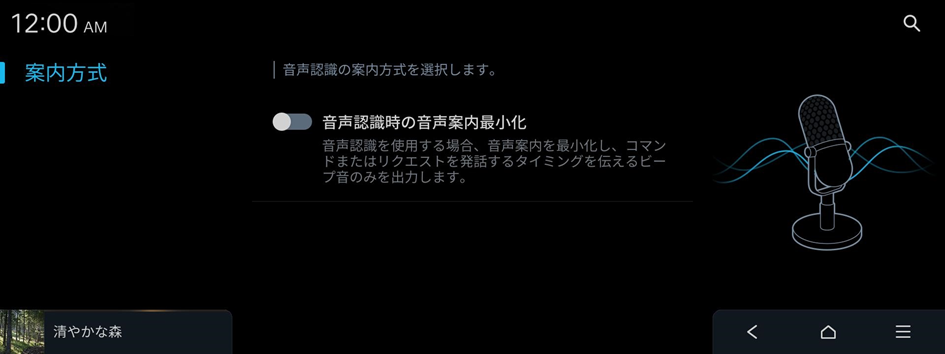
Configuring the voice recognition settings
Change settings for voice recognition.
- On the Home screen, press Setup ▶ Voice Recognition.
The voice recognition settings screen appears.
- Configure the settings as required.
- Press
 on the screen or press the button on the control panel, enter a search term, and then select the item to run.
 - Voice recognition is supported only for certain languages. If you change the system language, voice recognition may not be supported.
Audible Prompts
Selects the voice recognition guide method.