Voice recognition
With the voice recognition function, you can access various functions of the infotainment system without manipulating the screen or buttons. This function prevents driver distraction and dangerous situations.
Use voice commands to access various functions easily.
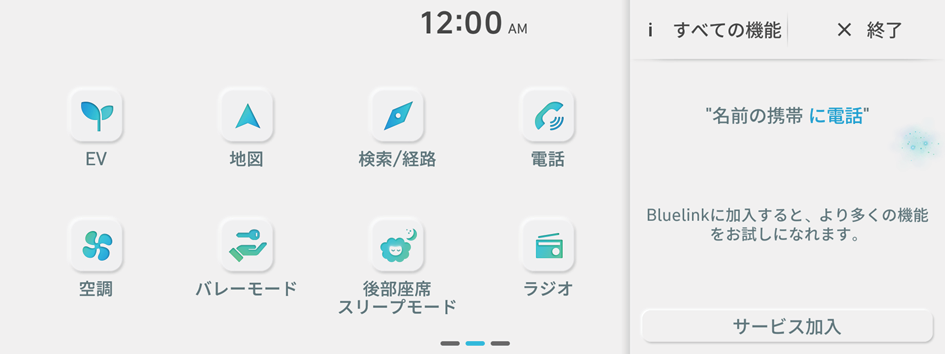
Type 1
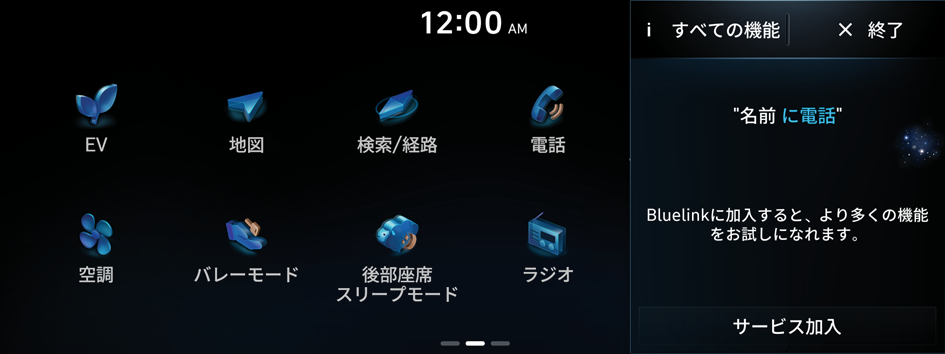
Type 2
- The screen may differ depending on the vehicle model and specifications.
- Note the following to ensure accurate recognition of your voice command.
- Press the Voice Recognition button. After a beep sound, say your voice command.
- Pronounce a command accurately and naturally like a conversation.
- The microphone is located above the driver's head. Say your command while maintaining an upright posture. The microphone location may differ depending on the vehicle.
- Voice recognition is automatically ended when:
- You make or receive a call.
- The front or rear cameras operate (if equipped).
- The button is pressed to perform another function.
- Rerouting or other unexpected action is made due to deviation from the route during guidance.
- Voice recognition may not work properly when:
- The sunroof or windows are open so the wind is strong.
- The fan speed of the air conditioner or heater is high.
- The vehicle is passing through a tunnel.
- The vehicle is driving on an unpaved road and its noise and vibration are loud.
- Noise is loud due to a heavy rain or storm.
- When using speech recognition, some commands may not be supported depending on the vehicle model and type.
- Special characters included in a contact are not recognized by voice (e.g., School_John, John!).
- Voice recognition is supported only for certain languages. If you change the system language, voice recognition may not be supported.
- Some functions are available only if you are subscribed to the Bluelink service.
- If the vehicle is type 1, it is possible to change the graphic theme to white or black. ▶ See "Graphic Themes (if equipped)."
Using the voice recognition function
- Press the Voice Recognition button on the steering wheel. After a beep sound, say your voice command.
- If you press the Voice Recognition button when the system is waiting for a voice command, the standby time is extended.
- If you press the Voice Recognition button in the middle of voice guidance on the voice recognition function, the voice guidance is skipped.
- This function is not supported if the system display language is not Japanese. Change the system language. ▶ See "Language."
- When a beep sound is heard, say a voice command as required (e.g., ナビゲーション, 音楽, 電話をかける). ▶ See "Available voice commands" or "Viewing available voice commands."
- Some functions may require additional commands.
- If multiple search results are found, follow the on-screen instructions to say the number you want to run.
- The screen may differ depending on the vehicle model and specifications.
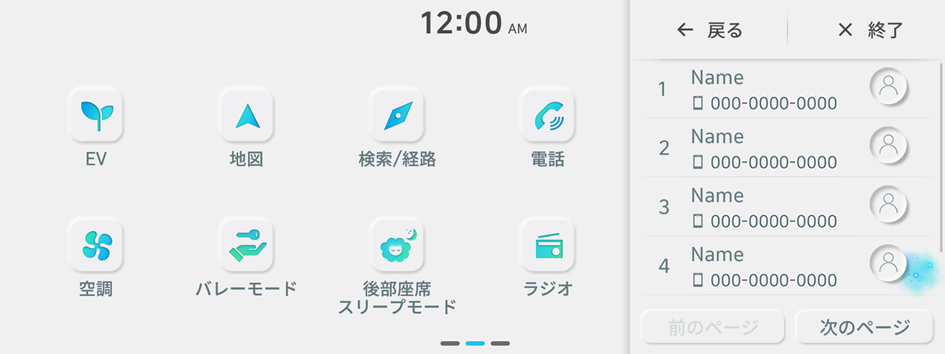
Ending voice recognition mode
To end the voice recognition, perform one of the following methods:
- • In standby mode for voice recognition, say "終了".
- • On the voice recognition screen, press 終了.
- • On the steering wheel, press and hold the Voice Recognition button.
Using voice recognition via phone projection
Use the voice recognition function on your smartphone via phone projection. ▶ See "Using the phone projection function."
Adjusting the voice guidance volume
When voice recognition mode is on, you can adjust the volume by using either the volume button on the steering wheel or the volume knob.
Viewing available voice commands
Turn on voice recognition mode and then say "すべての機能" to view all commands that are available for use.
- The All functions screen can be controlled by touch only and does not recognize voice commands.
- To redirect to the Voice Recognition screen, press the 音声認識 button.
- Press 終了 to end voice recognition.
- Some functions may not be supported depending on the vehicle's options.
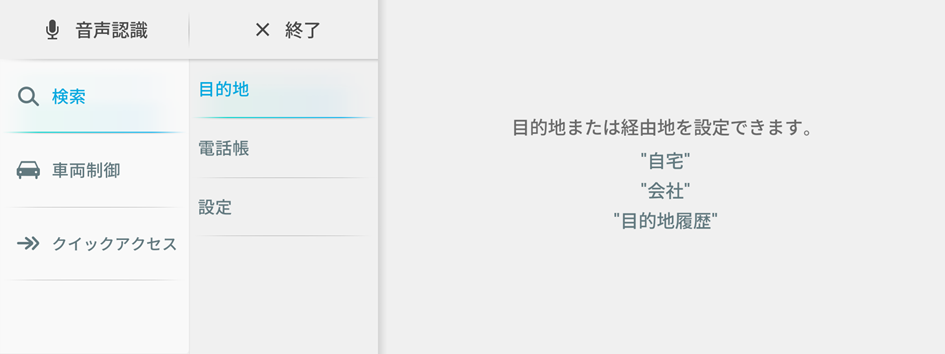
Available voice commands
For more voice commands, activate voice recognition and say "すべての機能".
Function | Description | Command |
|---|---|---|
Call commands | Make a phone call to a contact saved in your contact list. | <電話帳の名前>に電話 <電話帳の名前>の自宅に電話 |
| ||
Navigation commands | Run navigation, and set a destination or waypoints. | 目的地 自宅/会社 再探索 |
| ||
Radio commands | Run the radio/media function. | FM <76.0 ~ 95.0> AM <522 ~ 1629> |
Vehicle control commands | Run window control, air conditioner, heater, or other vehicle functions. | エアコンをつけて/暖房をつけて 充電口を開けて すべてのシートクーラーをつけて |
| ||
Rear-seat function commands | Control Quiet mode for the rear seats. | 後部座席スリープモードをつけて 後部座席スリープモードを消して |
Search commands | Search the settings menu. | 設定を検索 <キーワード> 設定を検索 |
Weather commands | View weather information. | 天気はどう? 今週の天気はどう? |
| ||
SMS | Send text messages. | メッセージを送信 山田太郎にメッセージを送信 |
| ||
Other commands | Indicates the command that is available in special cases. | ヘルプ 終了 |
| ||


