Configuring the screen theme/layout settings
You can configure the settings for the display and themes.
- On the All Menus screen, press Setup ▶ Screen Theme/Layout.
The theme/layout settings screen appears.
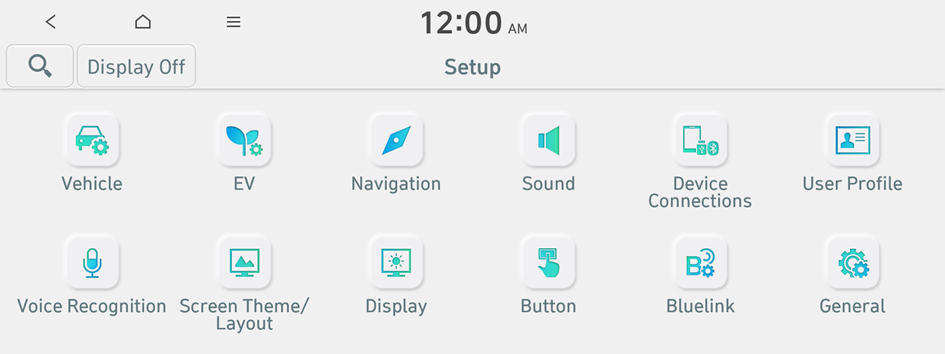
Type 1
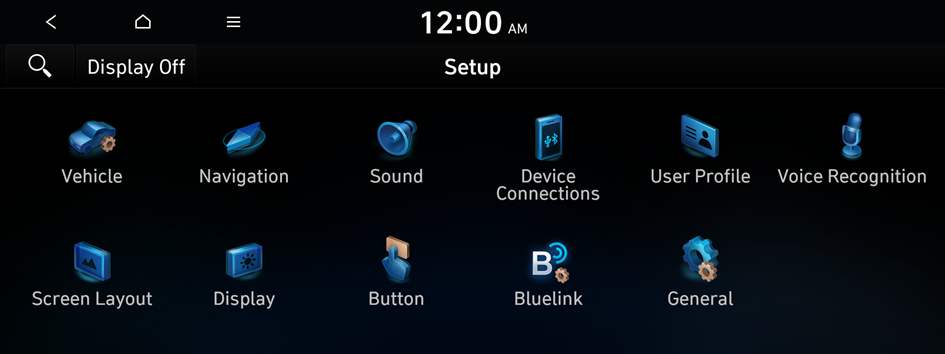
Type 2
- The screen may differ depending on the vehicle model and specifications.
- If the vehicle is type 1, it is possible to change the graphic theme to white or black. ▶ See "Graphic Themes (if equipped)."
- Configure the settings required:
- Press
 ▶ Search for Settings or press
  and enter a keyword to search for a setting item.
 - If you press Display Off at the top of the screen, the screen is switched off. To switch the screen back on, press the screen or briefly press the power button.
Graphic Themes (if equipped)
Select the desired display theme.
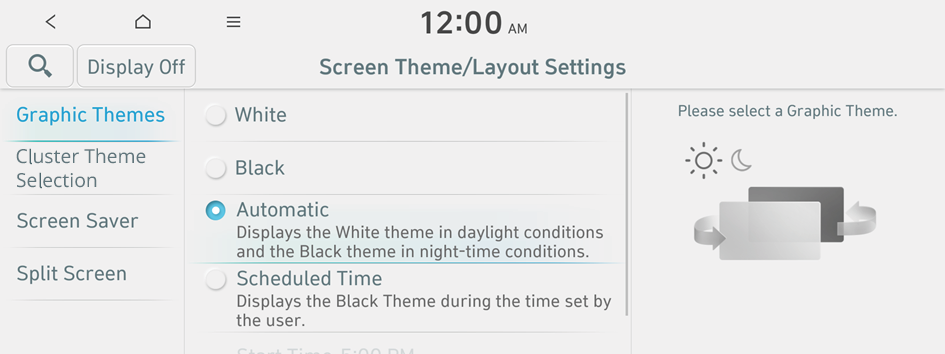
- The screen may differ depending on the vehicle model and specifications.
Cluster Theme Selection (if equipped)
Select and apply a theme to the cluster.
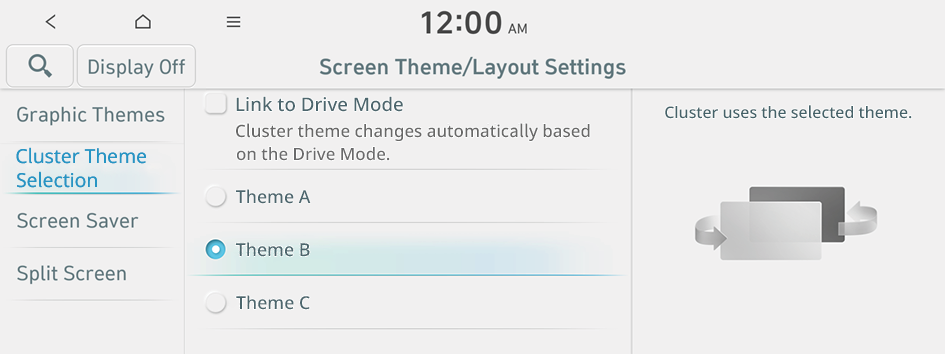
Link to Drive Mode (if equipped)
Cluster theme changes automatically based on the Drive Mode.
Screen Saver
You can select the items to display on the screen saver in standby mode.
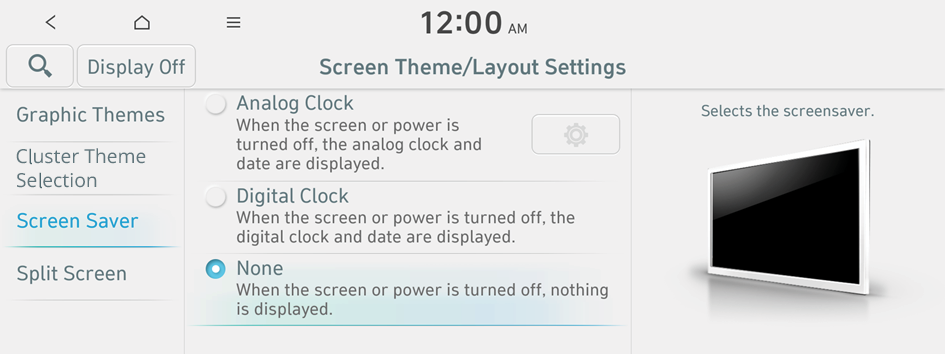
- The screen may differ depending on the vehicle model and specifications.
Analog Clock
Displays the analog clock on the system screen saver.
- Press
 to choose the Analog Clock to show on the screen.
Digital Clock
Displays the digital clock on the system screen saver.
None
Displays nothing on the system screen saver.
Split Screen
You can specify the items to display on the Split Screen.
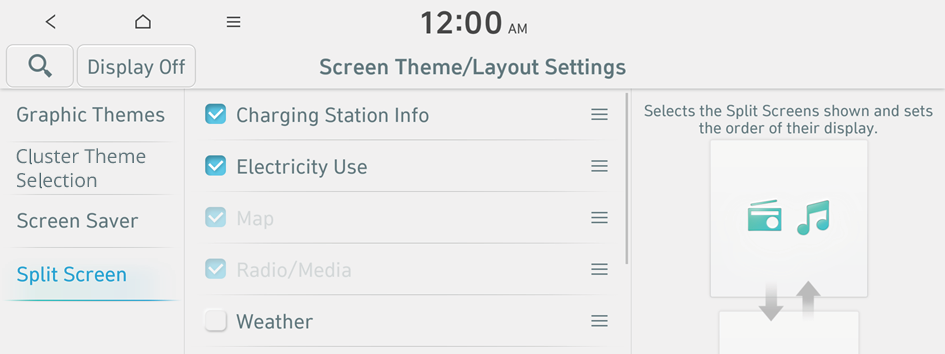
- The screen may differ depending on the vehicle model and specifications.
- This option is only available when the display supports Split Screen.
- On the screen list, press
 on the right and drag the item to reposition.


