Voice recognition
With the voice recognition function, you can access various functions of the infotainment system without manipulating the screen or buttons. This function prevents driver distraction and dangerous situations.
Use voice commands to access various functions easily.
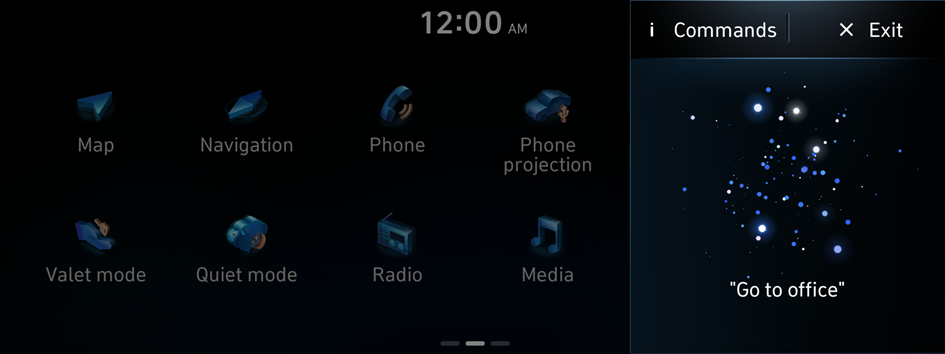
- The screen may differ depending on the vehicle model and specifications.
- Note the following to ensure accurate recognition of your voice command.
- Press the Voice Recognition button. After a beep sound, say your voice command.
- Pronounce a command accurately and naturally, without pausing between words, like you would in a conversation.
- The microphone is located above the driver's head. Say your command while maintaining an upright posture. The microphone location may differ depending on the vehicle.
- Voice recognition is automatically ended when:
- You make or receive a call.
- The front or rear cameras operate.
- A button is pressed to run another function (e.g., radio or media change).
- Rerouting or other unexpected action is made due to deviation from the route during guidance.
- Voice recognition may not work properly when:
- The sunroof or windows are open so the wind is strong.
- The fan speed of the air conditioner or heater is high.
- The vehicle is passing through a tunnel.
- The vehicle is driving on an unpaved road and its noise and vibration are loud.
- Noise is loud due to a heavy rain or storm.
- When using speech recognition from the rear seats, some commands may not be supported depending on the vehicle model and type.
- Special characters included in a contact are not recognised by voice (e.g., School_John, John!).
- Not all languages may be supported depending on the region. Some commands may not be supported depending on the set language.
- Some functions are available only if you are subscribed to the Bluelink service.
- Privacy & Security policy:
- After downloading the Phonebook via Bluetooth, Infotainment system will upload it to the voice recognition server of Soundhound.
- Uploaded information (Phonebook) will be used only by Voice Recognition application and it will remain secured.
- Phonebook information will not be shared with any third party.
- Any disputes arising in regard to personal information misuse will be subject to judicial jurisdiction.
- For any assistance/query please contact Hyundai service centre.
Using the voice recognition function
- Press the Voice Recognition button on the steering wheel. After a beep sound, say your voice command. For Voice recognition settings ▶ See "Configuring the voice recognition settings."
- If you press the Voice Recognition button when the system is waiting for a voice command, the standby time is extended.
- If you press the Voice Recognition button in the middle of voice guidance on the voice recognition function, the voice guidance is skipped.
- If you say a command in the middle of voice guidance on the voice recognition function, system will stop prompting further and access a command.
- For better voice recognition performance, maintain less noise inside the vehicle.
- When Minimise prompts is Enabled, Voice Recognition prompts are not played, only beep sound is provided to indicate when to say a command.
- When a beep sound is heard, say a voice command as required (e.g., radio). ▶ See "Available voice commands" or "Viewing available voice commands."
- Some functions may require additional commands.
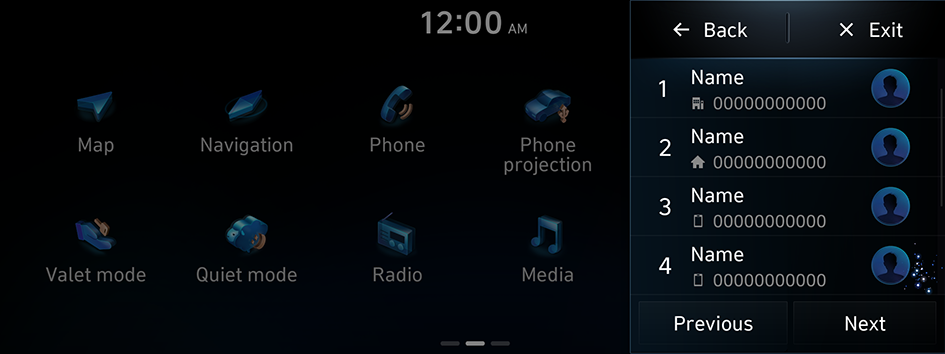
- If multiple search results are found, follow the on-screen instructions to say the name or number you want to run.
Ending voice recognition mode
To end the voice recognition, perform one of the following methods:
- • In standby mode for voice recognition, say "Exit".
- • On the voice recognition screen, press Exit.
- • On the steering wheel, press and hold the Voice Recognition button.
Using voice recognition via phone projection
Use the voice recognition function on your smartphone via phone projection. ▶ See "Using the phone projection function."
- When your smartphone is connected via phone projection, press and hold the voice recognition button on the steering wheel to use phone internal voice recognition function.
Adjusting the voice guidance volume
When voice recognition mode is on, you can adjust the volume by using either the volume button on the steering wheel or the volume knob.
Viewing available voice commands
Turn on voice recognition mode and then say "Commands" to view all commands that are available for use.
- The All functions screen can be controlled by touch only and does not recognise voice commands.
- To redirect to the Voice Recognition screen, press the Voice Recognition button.
- Press Exit to end voice recognition.
- Some functions may not be supported depending on the vehicle's options.
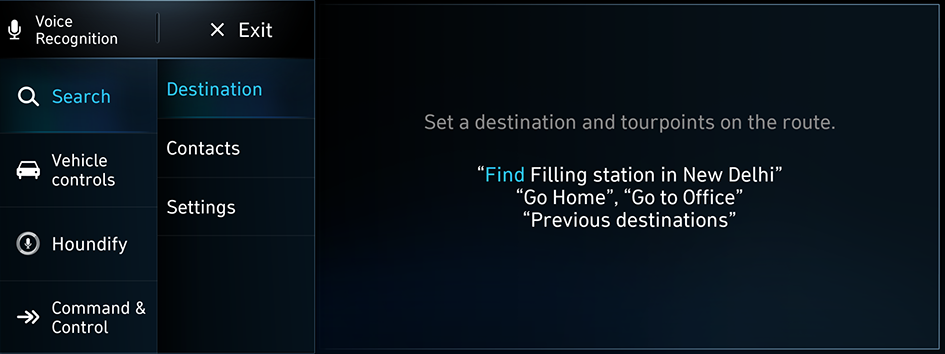
Available voice commands
For more voice commands, activate voice recognition and say "Commands."
Function | Description | Command |
|---|---|---|
Information commands | View Weather/Time & date/Cricket/Soccer/Indian Holidays information. | How is the weather today? When is India Playing next Cricket Match? What is the score Barcelona FC vs Real Madrid? |
| ||
Call commands | Make a phone call to a contact saved in your contact list. | Call <name> Call <name> at Home |
| ||
SMS commands | Send text messages. | Send message Send message to <name> |
Search commands | Search the settings menu. | Search settings for <Settings menu> |
Navigation commands | Run navigation, and set a destination or waypoints. | Find POI Go home/Go to office Recalculate |
| ||
Radio/Media commands | Run the radio/media function. | FM <87.5 to 108.0> AM <531 to 1602> Media Music |
Rear-seat function commands | Run the rear-seat function. | Quiet Mode Quiet Mode off |
| ||
Vehicle control commands | Control air conditioner, heater, or other vehicle functions. | Heating On/Off Air conditioning On/Off Seat warmer On/Off Seat ventilation On/Off |
| ||
Other commands | Indicates the command that is available in special cases. | Help Exit |
| ||
Making a call with a voice command
Scenario 1
When your Bluetooth device is paired and connected, you can make phone calls.
- On the steering wheel, press the
 button.
 - Say "Call gopi."
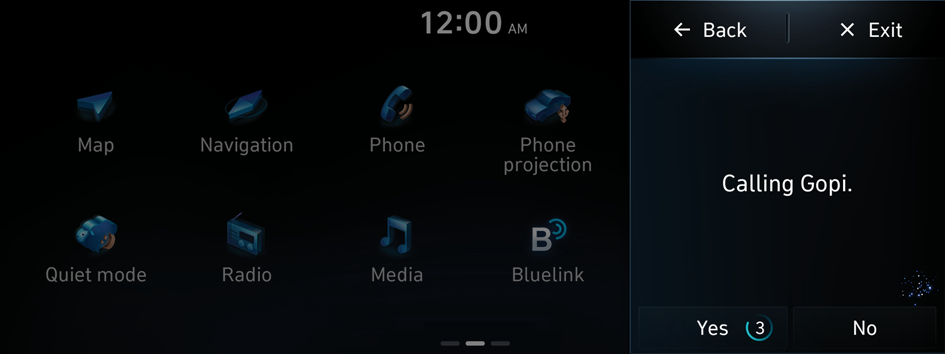
Scenario 2
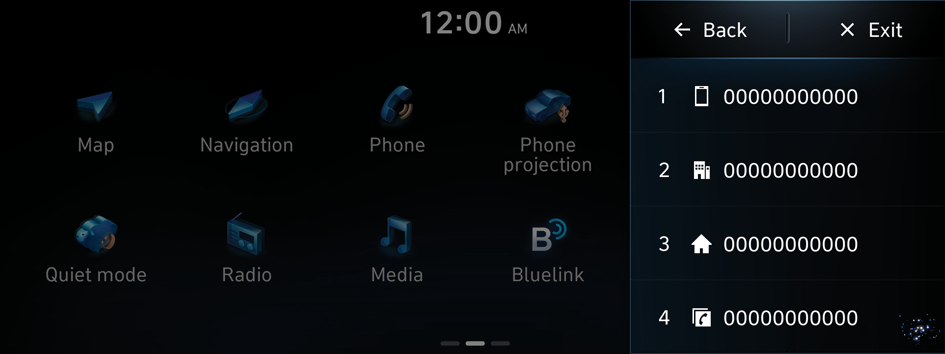
In case contact has multiple categories of numbers such as mobile, work, home, other.
Then you can see the following list after making a call.
Say "First one", or "Second one" according to the required number to call.
Scenario 3
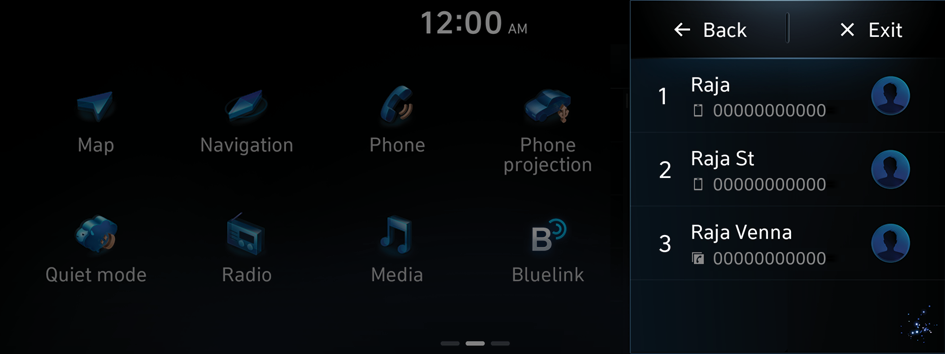
In case contact has multiple categories of numbers with similar names, then the system will show you a list of similar contacts.
Say "First one", or "Second one" according to the required number to call.
Seeing the date/time with a voice command
Scenario 1
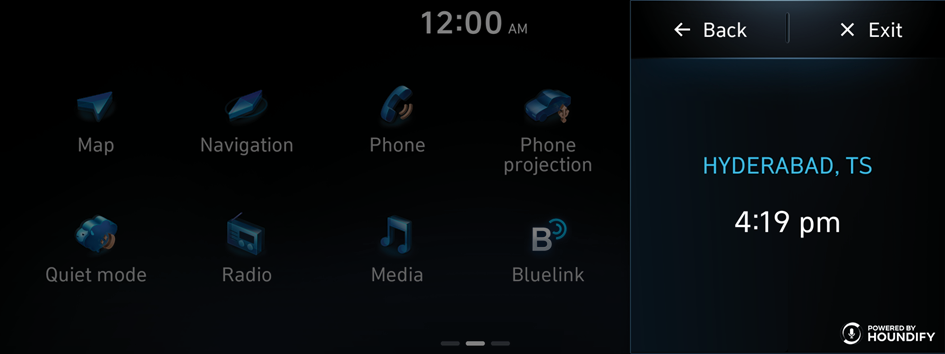
To know time.
Say "What is the time now?"
Scenario 2
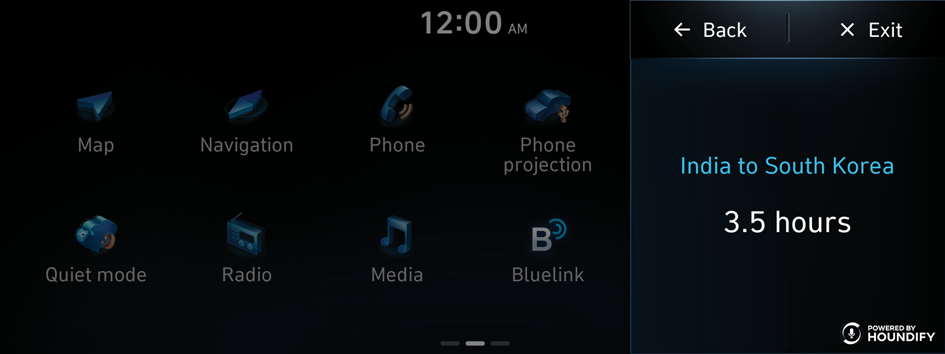
To know the time difference between 2 different countries.
Say "Time difference between south Korea and India?"
Scenario 3
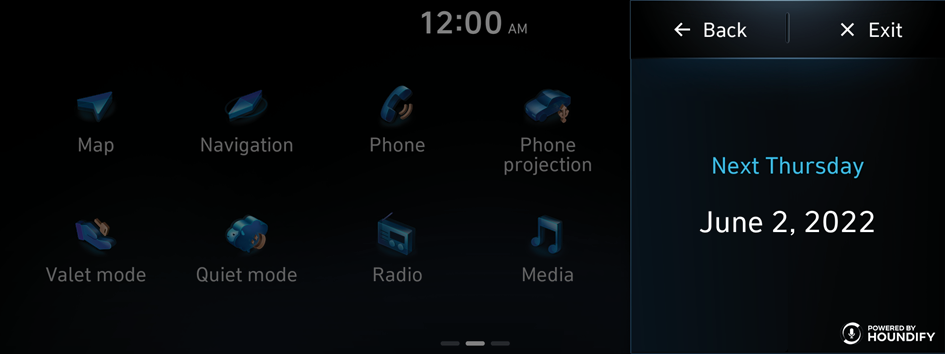
To know the date of future week.
Say "What is the date of next thursday?"
Seeing the weather information with a voice command
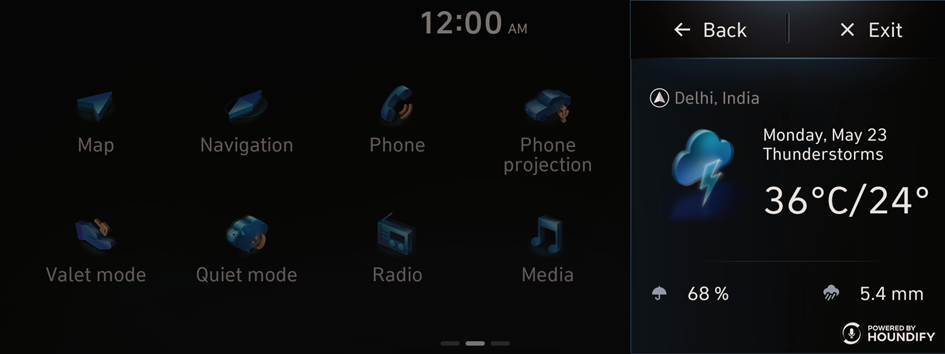
Scenario 1
To know the current weather condition.
Say "What is the temperature in Delhi today?"
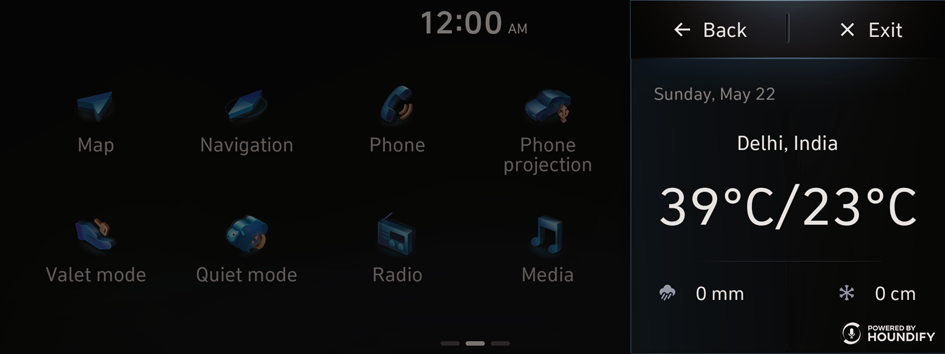
Scenario 2
For weather conditions of past days.
Say "What was the weather in Delhi yesterday?"
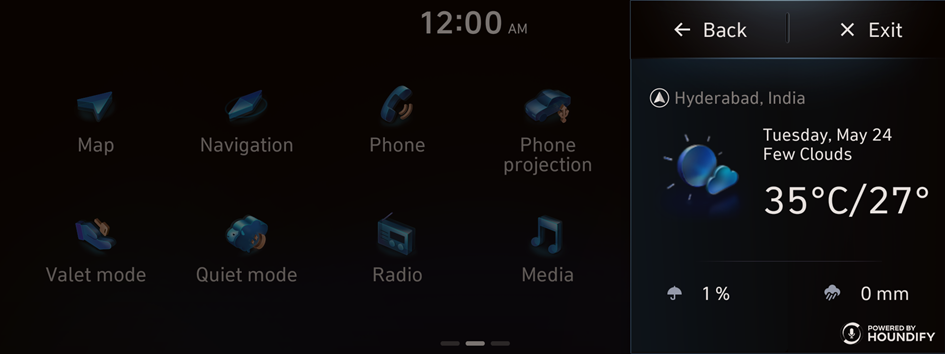
Scenario 3
For weather conditions of future days.
Say "What will be the temperature tomorrow in Hyderabad?" or "Will it rain in Delhi tomorrow?"
Setting the destination with a voice command
Scenario 1
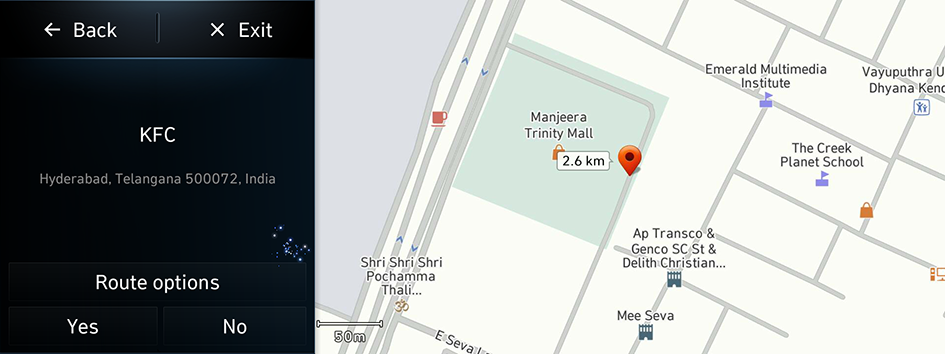
To navigate to a specific location such as nearest KFC, then.
Say "Navigate to KFC."
Scenario 2
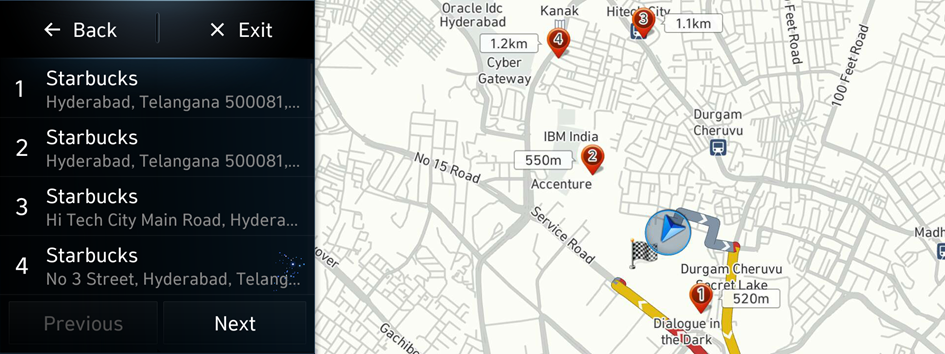
To navigate to nearest restaurants.
- Say "Find Starbucks near me", then the system will show the list.
- Say "First one" or "Second one" of list number to start navigating.
Seeing the sports information with a voice command
Scenario 1
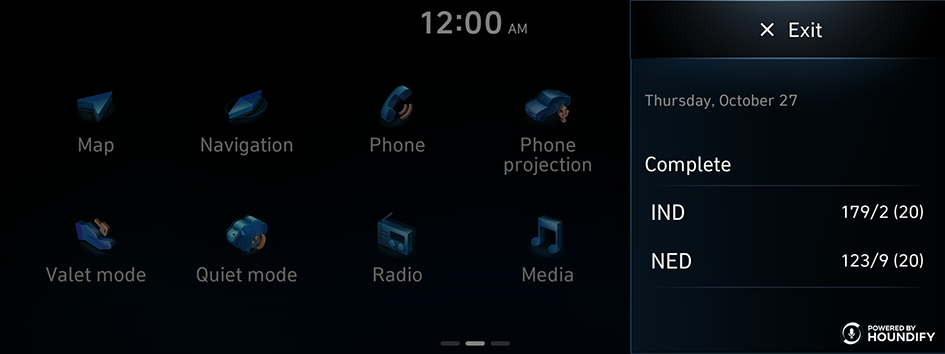
When you want to see your team's score.
Say "What's the India score?"
Scenario 2
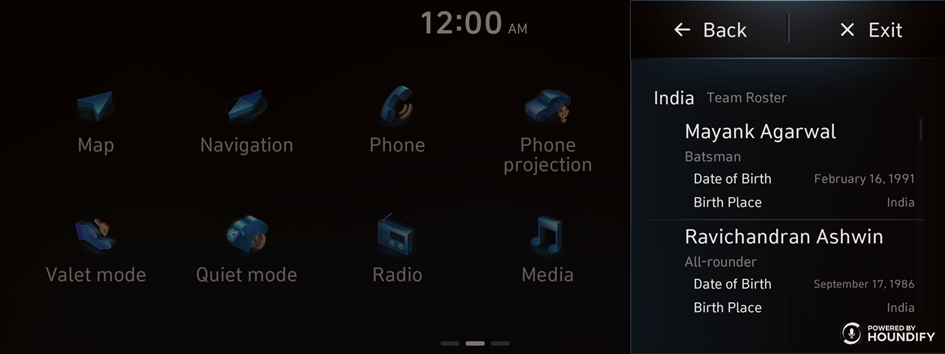
When you want to see your team's players.
Say "Who is on the India line up?"
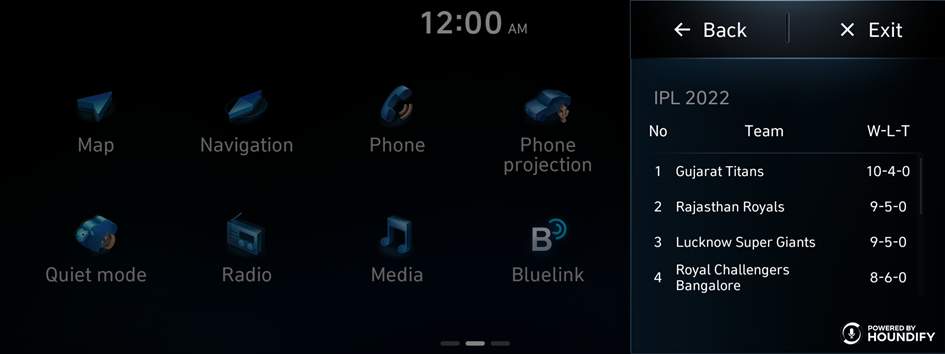
Scenario 3
When you want to see your team's rank in the league.
Say "What are the team standings of IPL 2022?"
Controlling your vehicle with voice commands
Scenario 1
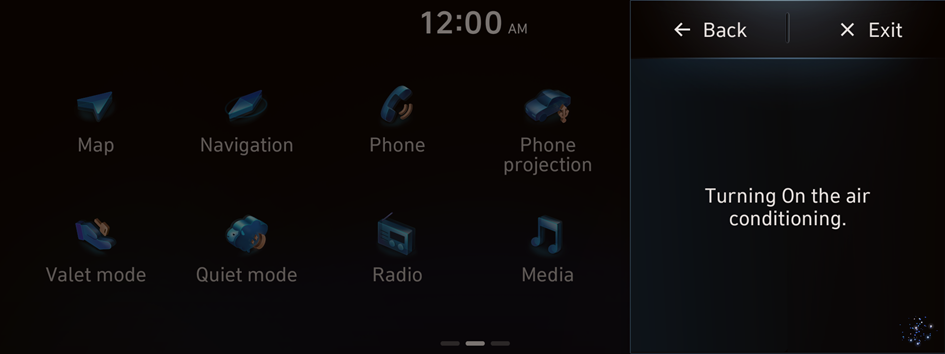
To turn on the air conditioner.
Say "Air conditioner ON."
Scenario 2
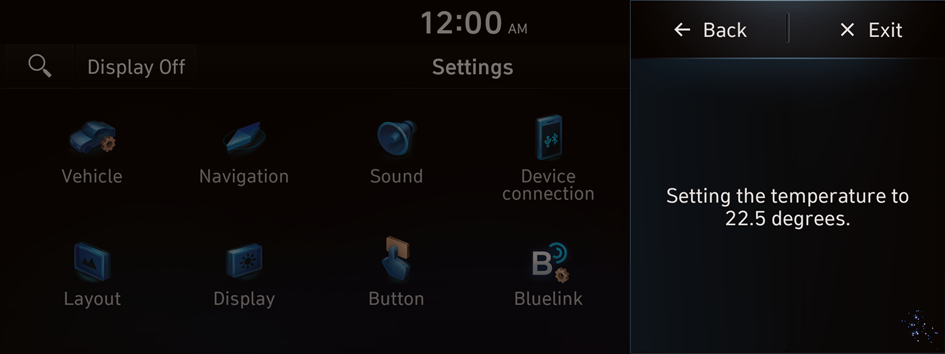
To adjust the interior temperature.
Say "Set temperature to 22.5."
Scenario 3
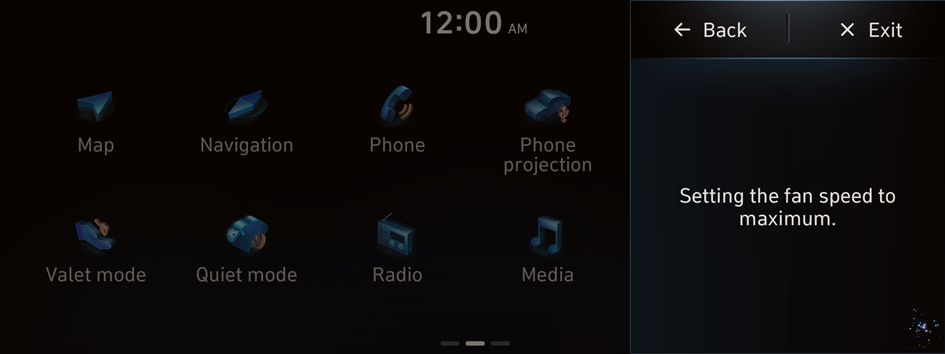
To adjust the fan speed.
Say "Fan high."
Scenario 4
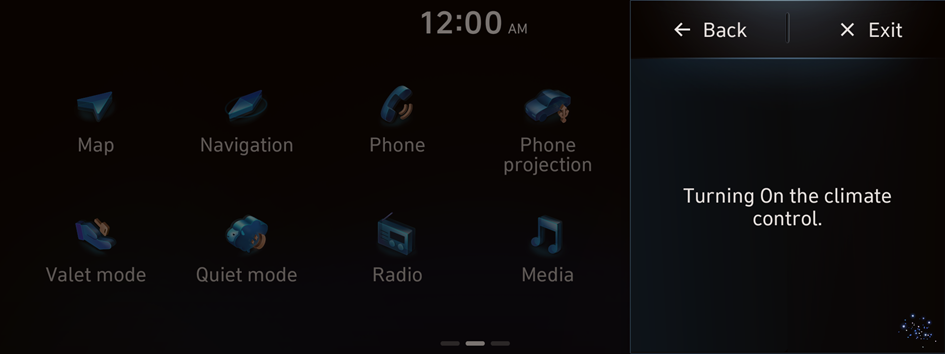
To turn on automatic climate control.
Say "Climate control ON."
Scenario 5 (if equipped)
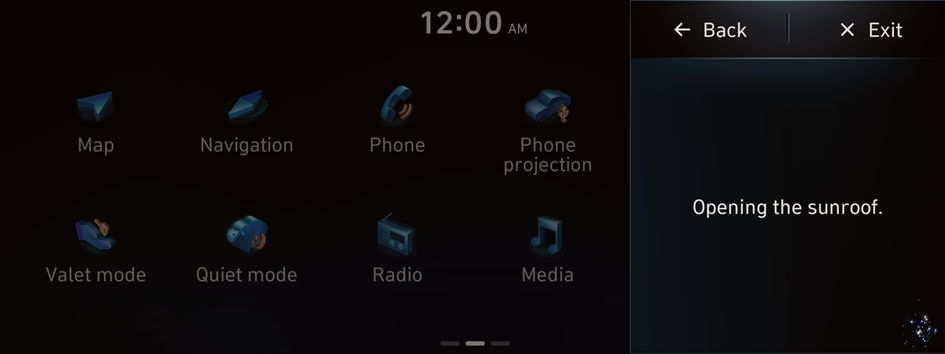
Opening the sunroof.
Say "Open sunroof."
Scenario 6 (if equipped)
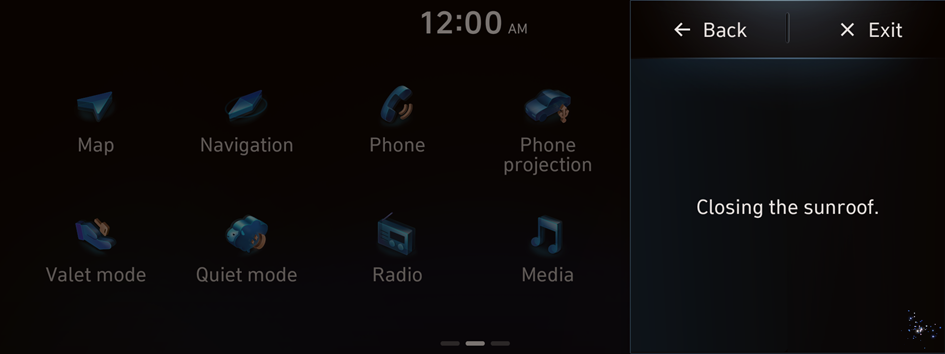
Closing the sunroof.
Say "Close sunroof."
Scenario 7
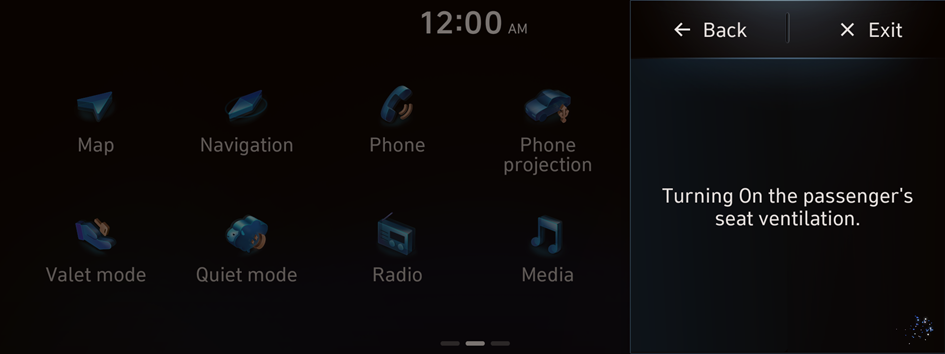
To turn on the passenger seat ventilation.
Say "Passenger seat ventilation ON."
Scenario 8
To turn on the rear defroster.
Say "Turn On rear defroster."
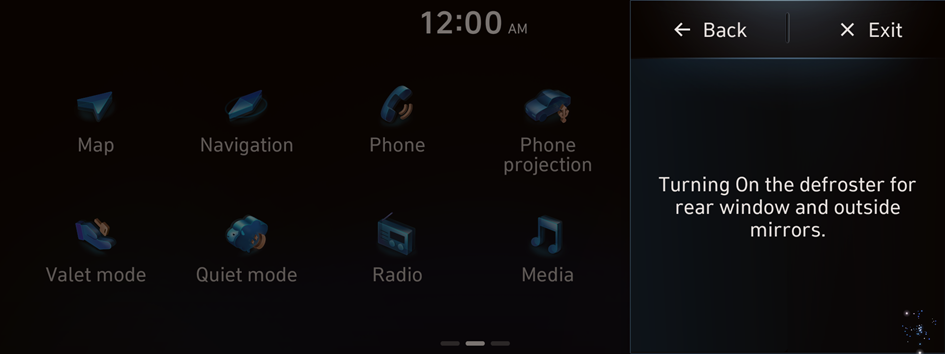
- Outside mirrors heating will turn on along with rear defroster, if vehicle supports.


