Using search
The system storage can be searched for information you need.
Press the button on the control panel, enter a search term, and then select the item to run.
Search results, Help messages, recommended keywords, recent search results, and other items of information are displayed.
- It is also possible to search for specific information by pressing
 , if the icon is displayed on the screen.
 - Search results are provided sequentially based on the structure of the provided menu and the information in various modes.
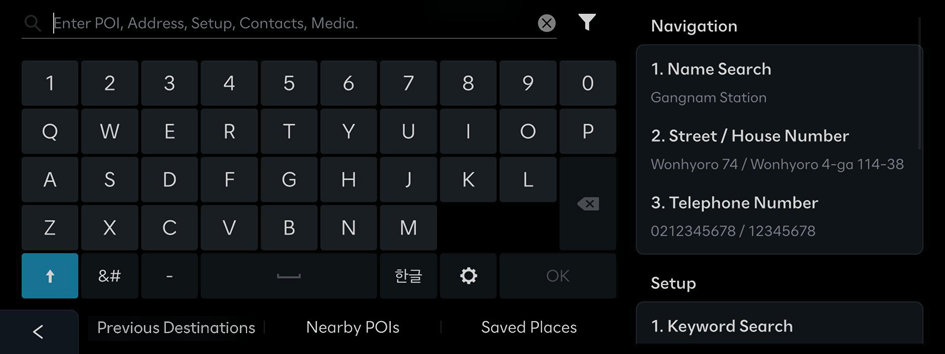
- To change the keyboard settings for the system, press
 .
.
Using the search filter
Search categories display and the order of display can be changed.
On the Search screen, press  .
.
The category settings window appears. Select the desired item and press Apply.


