Configuring the button settings
Configure features to activate when pressing buttons on the control panel or steering wheel.
- Available settings may differ depending on the vehicle model and specifications.
- On the Home screen, press Setup ▶ Buttons.
The button settings screen appears.
- Configure the settings as required.
- Press
 on the screen or press the button on the control panel, enter a search term, and then select the item to run.
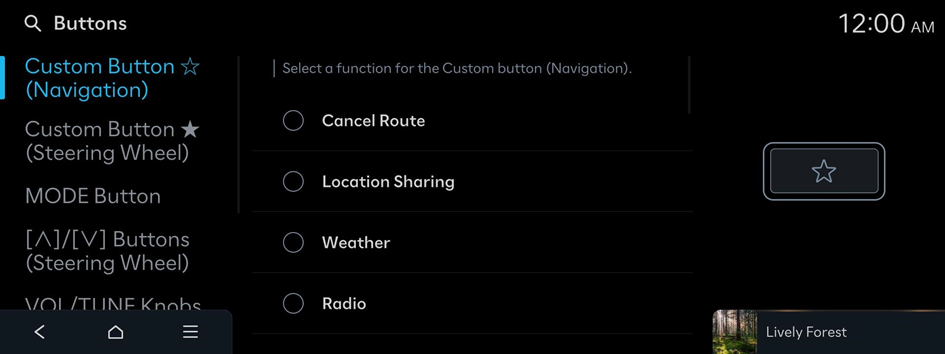
Custom Button ☆ (Navigation)
Select a function for the Custom button (Navigation).
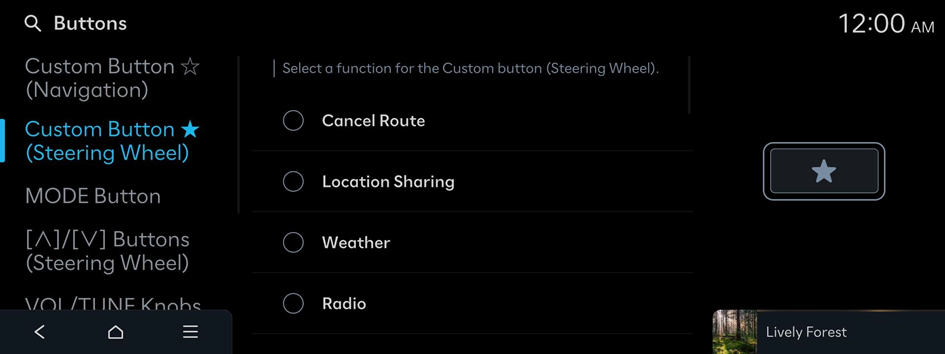
Custom Button ★ (Steering Wheel)
Select a function for the Custom button (Steering Wheel).
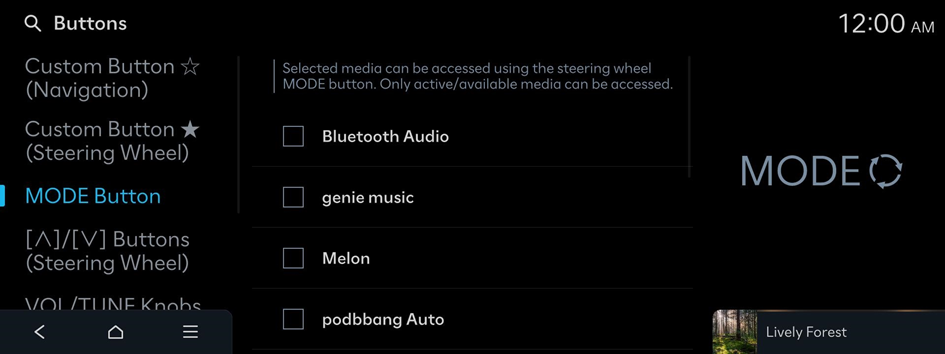
MODE Button
Selected media can be accessed using the steering wheel MODE button. Only active/available media can be accessed.
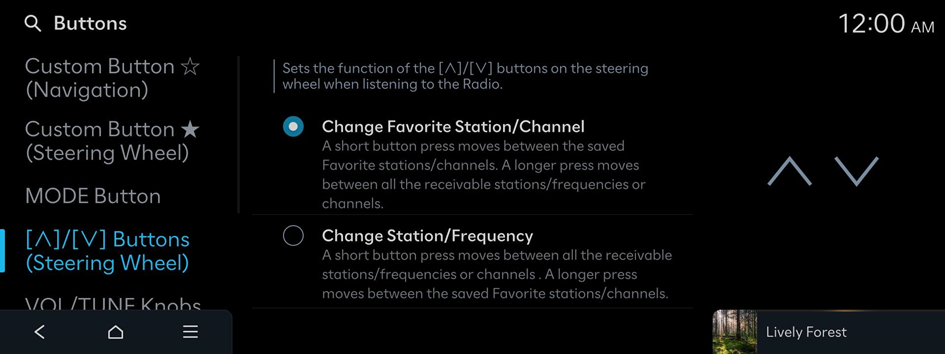
[∧]/[∨] Buttons (Steering Wheel)
Sets the function of the [∧]/[∨] buttons on the steering wheel when listening to the Radio.
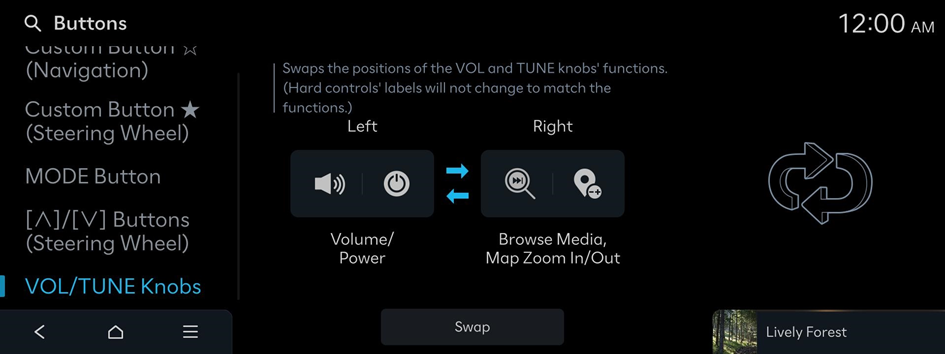
VOL/TUNE Knobs
Swaps the positions of the VOL and TUNE knob's functions.
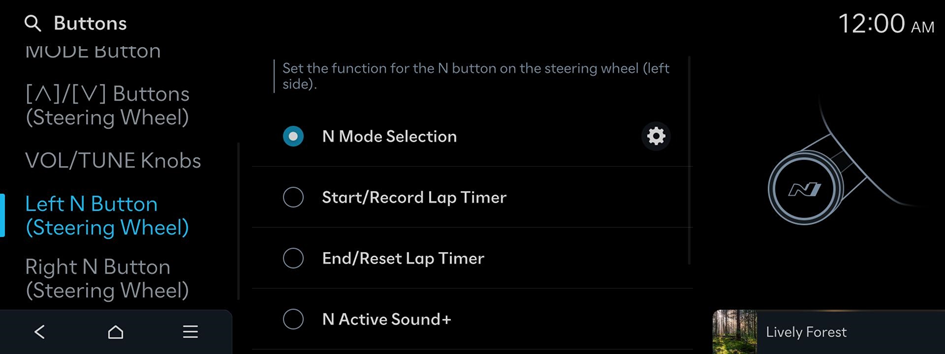
Left N Button (Steering Wheel) (if equipped)
Sets the function for the N button on the left side of the steering wheel.
Right N Button (Steering Wheel) (if equipped)
Sets the function for the N button on the right side of the steering wheel.


