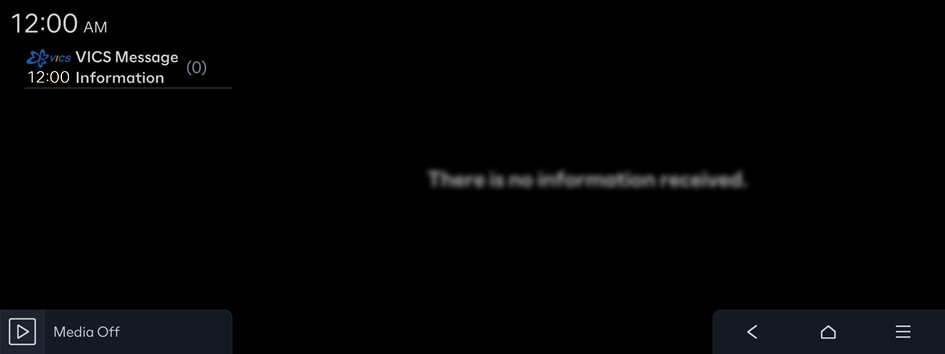
Viewing VICS Information
You can view VICS information, Such as real-time traffic conditions, including ongoing road work or traffic accidents, and information on parking garages/lots.
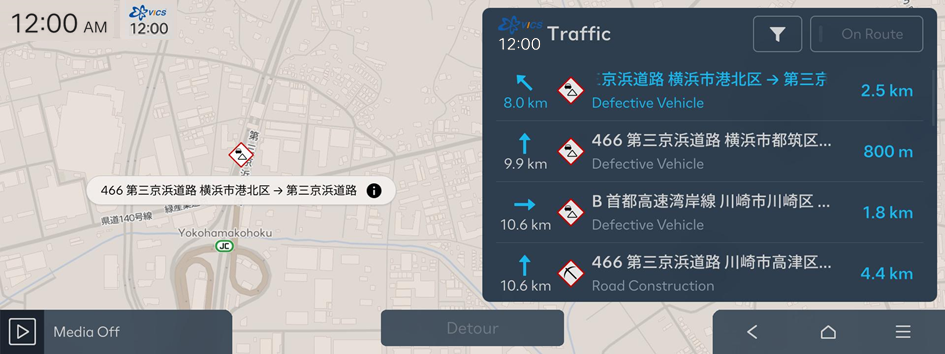
Viewing accident alerts
You can view real-time traffic information.
- On the Map screen, press
 ▶ VICS Information ▶ Traffic.
 - Select an item from the list on the screen, to view details.
Searching parking garages/lots
You can easily search for the locations of parking garages/lots.
- On the Map screen, press ▶ VICS Information ▶ VICS Parking.
- Select a parking garages/lot from the list.
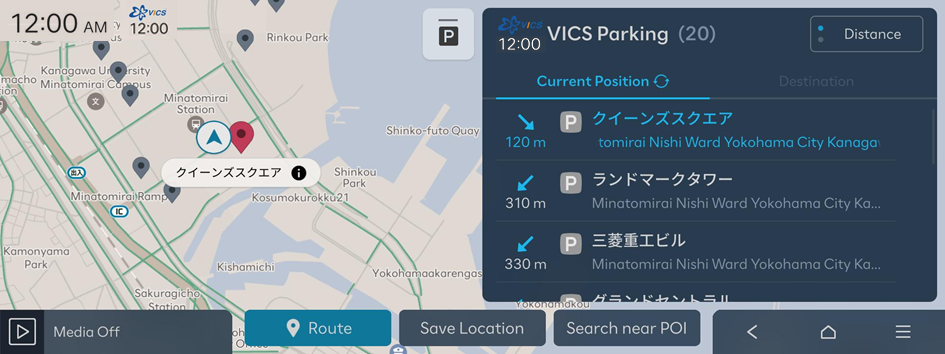
- Check the location of the destination and then press Route.
- Select the desired route from the search results and press Start Guidance.
Viewing Emergency Messages
You can view emergency alert or warning messages.
- On the Map screen, press ▶ VICS Information ▶ VICS Message Information.
- Displays the Emergency Warnings information.