Configuring the camera
Configure the screen settings for the parking assist view and set the information to display in the view.
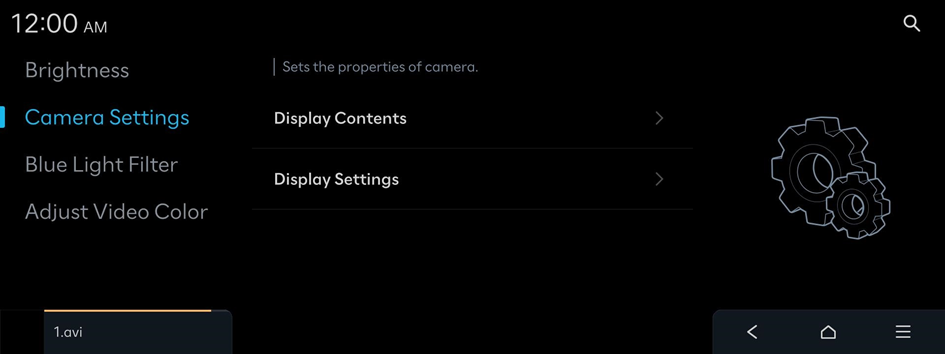
Display Contents
Sets the properties of camera.
Extended Rear View Monitor
Keeps displaying the rear view when shifting from R to N/D. When exceeding a certain speed, the rear view stops displaying. (Rear view monitor-equipped vehicles only)
Parking Distance Warning
Displays Parking Distance Warning on the top view. (Surround view monitor-equipped vehicles only)
Top View Parking Guide Lines
Displays the parking guide lines on the top view. (Surround view monitor-equipped vehicles only)
Rear View Parking Guide Lines
Displays the parking guide lines on the rear view.
Display Settings
Adjust the brightness and contrast of the view screen.
- To initialize all camera mode settings, press Center.


