Configuring the electric vehicle settings (if equipped)
You can set convenience features available for electric vehicles.
- Available settings may differ depending on the vehicle model and specifications.
- On the Home screen, press Setup ▶ EV.
The Electric Vehicle settings screen appears.
- Configure the settings as required.
- Press
 on the screen or press the button on the control panel, enter a search term, and then select the item to run.
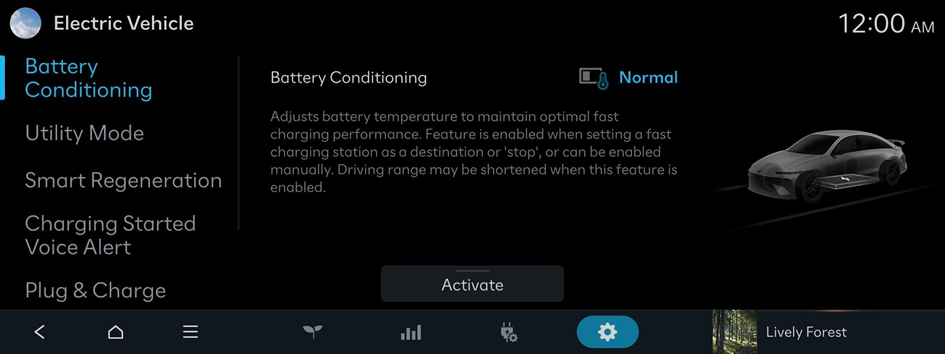
Battery Conditioning
Adjusts battery temperature to maintain optimal fast charging performance.
Utility Mode
Uses the high-voltage battery to power electronic devices, such as the Infotainment system, Climate Control, and interior lights, when parked for a long time or while camping.
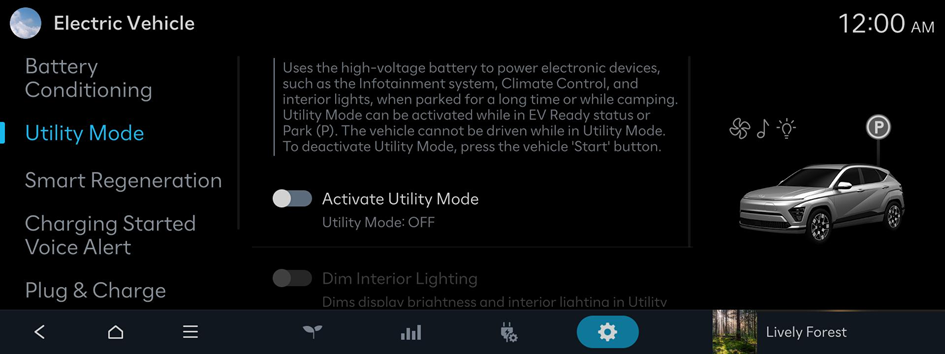
Option A
- To deactivate Utility Mode, press the vehicle 'Start' button.
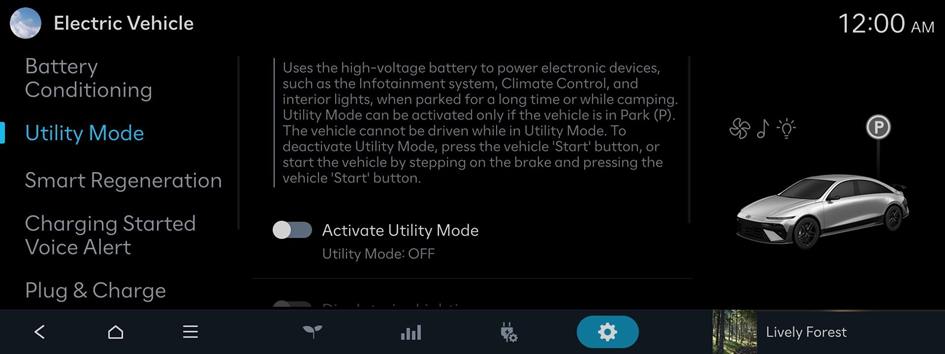
Option B
- To deactivate Utility Mode, press the vehicle 'Start' button, or start the vehicle by stepping on the brake and pressing the vehicle 'Start' button.
- The screen may differ depending on the vehicle model and specifications.
Smart Regeneration
While coasting with the regenerative braking set to Auto, the regenerative braking level will be automatically adjusted based on the distance from the vehicle ahead, driving speed, and road incline.
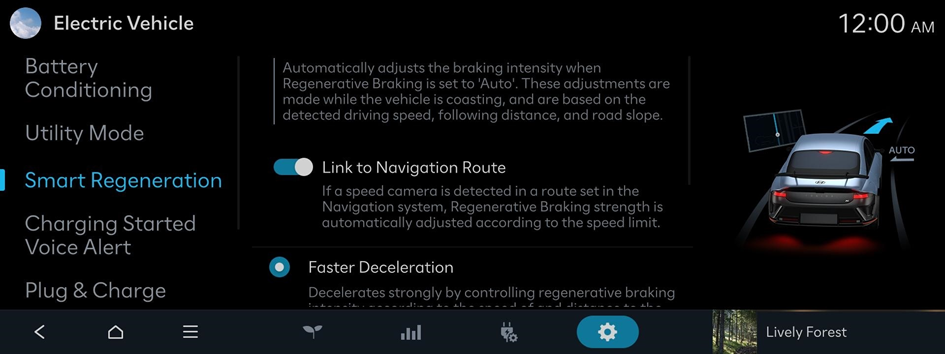
Option A
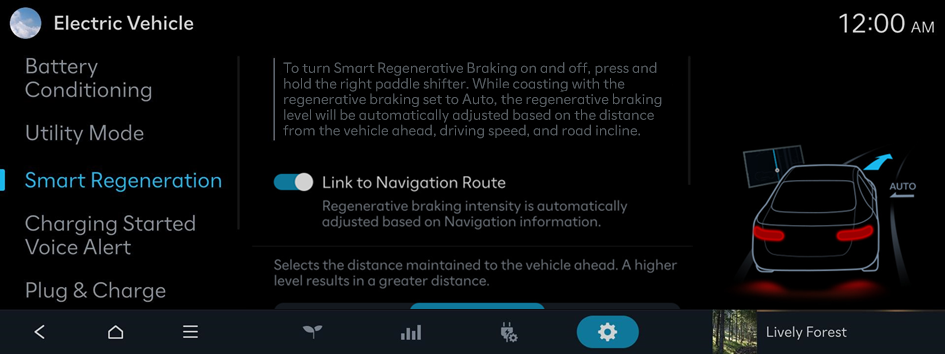
Option B
- To turn Smart Regenerative Braking on and off, press and hold the right paddle shifter.
- The screen may differ depending on the vehicle model and specifications.
Charging Started Voice Alert
Provides voice prompts about charging status when the vehicle starts charging.
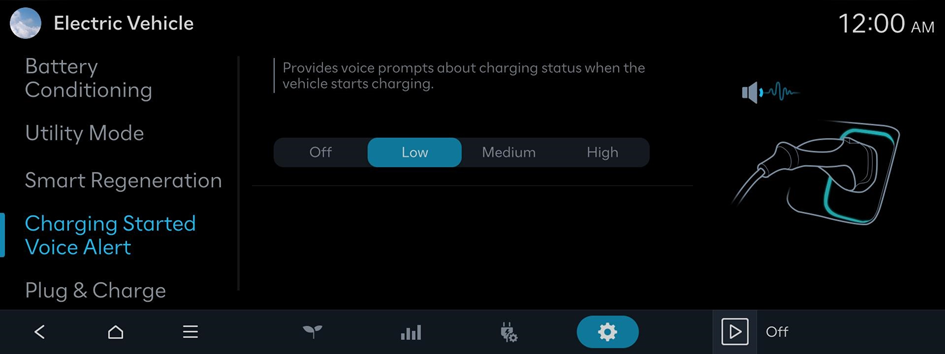
- To turn off the Charging Started Voice Alert, press Off.
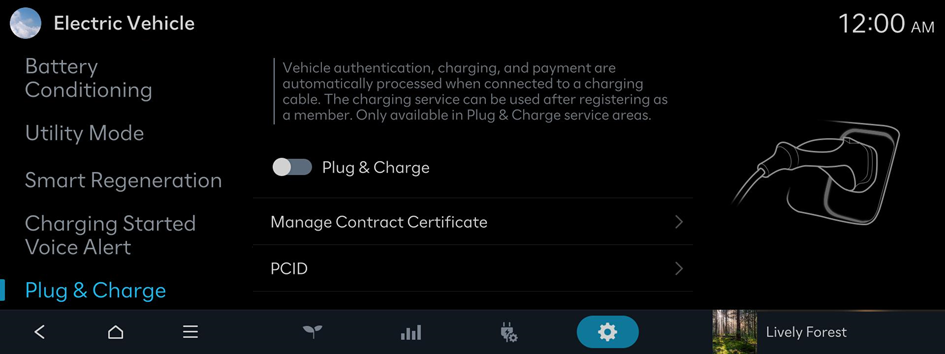
Plug & Charge (if equipped)
Vehicle authentication, charging, and payment are automatically processed when connected to a charging cable. The charging service can be used after registering as a member. Only available in Plug & Charge service areas.
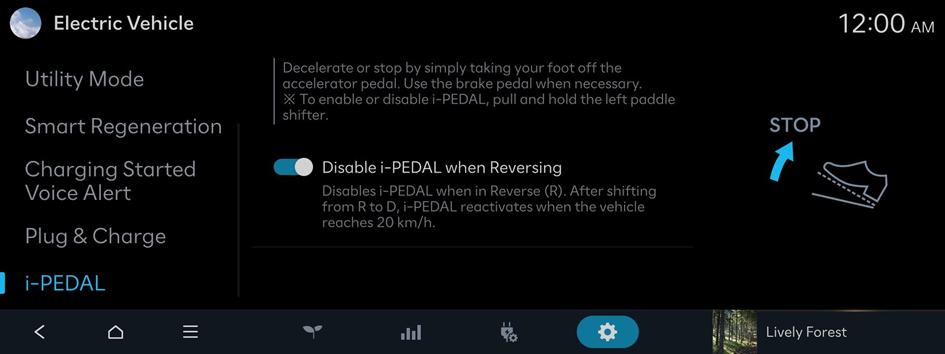
i-PEDAL (if equipped)
Decelerate or stop by simply taking your foot off the accelerator pedal. Use the brake pedal when necessary.