System status indicator icons
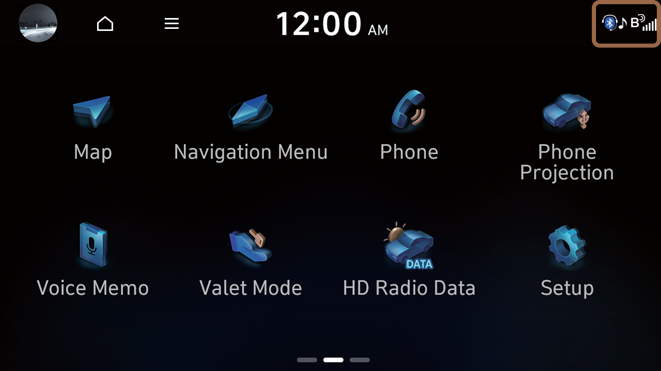
You can see the system status by checking the status indicator icons at the top right of the system screen.
Different status indicator icons appear when each function is performed. The meanings of the icons are as follows:
Mute/memo recording |  |
 | Navigation sound muted |
 | Radio/Media sound muted |
 | All sound outputs muted |
 | Recording a voice memo |
Bluetooth/call |  |
 | Connecting a phone via Bluetooth |
 | Connecting an audio device via Bluetooth |
 | Connecting a phone and an audio device via Bluetooth |
 | Making a call via a Bluetooth phone |
 | Bluetooth phone's microphone off |
 | Downloading the contact and list of recent calls from the connected Bluetooth phone |
Bluelink |  |
 | Talking with a Bluelink phone |
 | Bluelink phone's microphone off |
 | Bluelink network's signal strength |
System update |  |
 | Updating |
- Some icons may not appear depending on the vehicle model and specifications.


