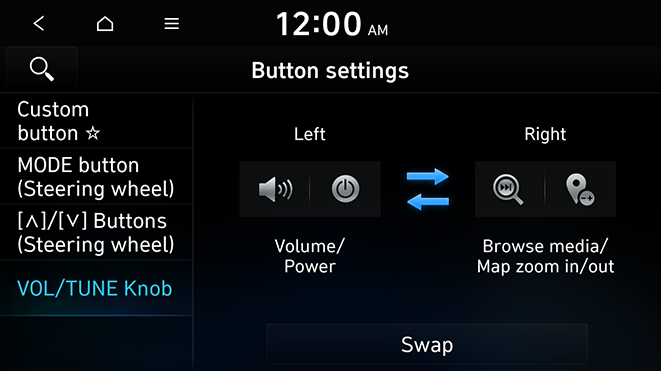
Configuring the button settings
You can configure features to activate when pressing buttons on the control panel or steering wheel.
- On the All menus screen, press Settings ▶ Button.
The advanced settings screen appears.
- Configure the settings required:
- Press
 ▶ Search for settings or press
  and enter a keyword to search for a setting item.
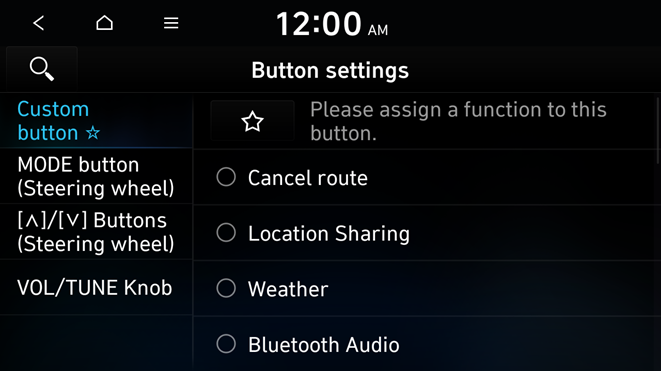
Custom button ☆
You can set the frequently used functions by pressing the custom button on the control panel. Set the frequently used functions as custom buttons to access them easily.
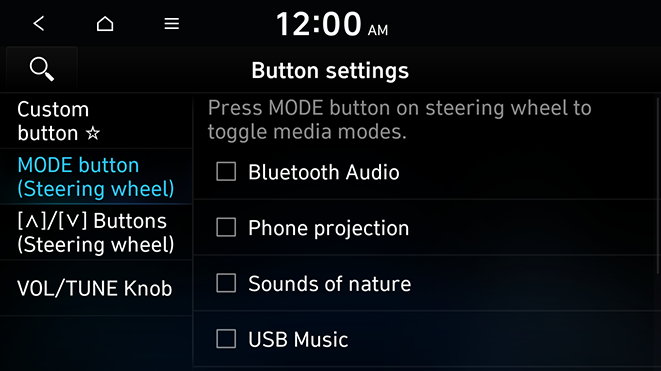
MODE button (Steering wheel)
You can select the media mode to run when the button on the steering wheel is pressed.
- You can add AM or Phone projection function on each mode button to perform easily.
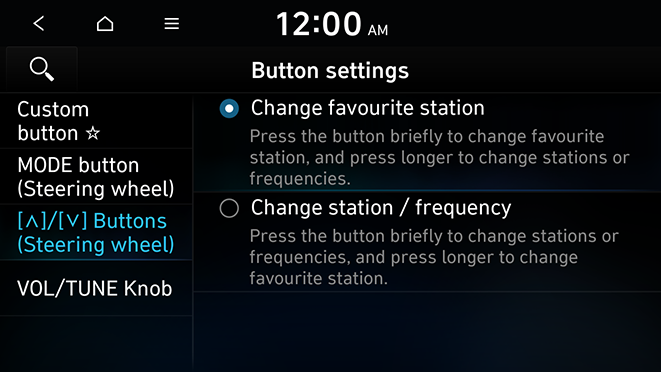
[∧]/[∨] Buttons (Steering wheel)
You can select the function to run when a specific button on the steering wheel is pressed while listening to the radio.
VOL/TUNE Knob
You can switch the functions of the Volume and Tune knobs.