Configuring the sound settings
You can change the sound settings such as speaker volume and sound effects.
- Some functions may not be available depending on the infotainment system and amplifier specifications on the vehicle.
- On the All Menus screen, press Setup ▶ Sound.
The sound settings screen appears.
- Configure the settings required:
- Press
 ▶ Search for Settings and enter a keyword to search for a setting item.
Sound Tuning
You can adjust the sound by adjusting the strengths (output levels) for each audio band: Bass, Midrange, and Treble. You can also configure settings so that sound is audible more loudly and clearly at a specific location in the vehicle.
- To reset all audio settings to the default values, press Center.

Driving Guidance
You can configure the settings so that a specific sound is more audible over other sounds.
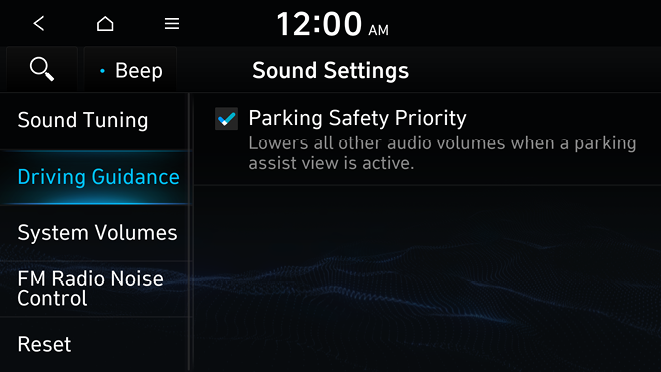
Parking Safety Priority
When warning sound is generated while parking, the audio volume decreases to make the sound audible.
System Volumes
You can adjust the volume for each system function including phone projection.
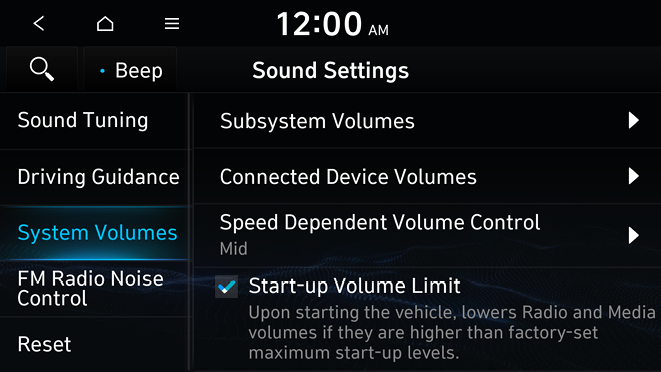
Subsystem Volumes
You can adjust the volume for each system function and initialize all volume settings.
- To initialize all system sound settings, press Reset.
Connected Device Volumes
You can adjust the volume of the phone projection and initialize all volume settings.
- • Android Auto: Vary the volume of your Android smartphone, connected to the system, depending on the function.
- • Apple CarPlay: Vary the volume of your iPhone, connected to the system, depending on the function.
- To initialize all system sound settings of the phone projection, press Reset.
Speed Dependent Volume Control
Automatically adjusts Audio volume according to vehicle speed.
Start-up Volume Limit
You can set to automatically decrease the audio volume to an adequate level when turning on the vehicle.
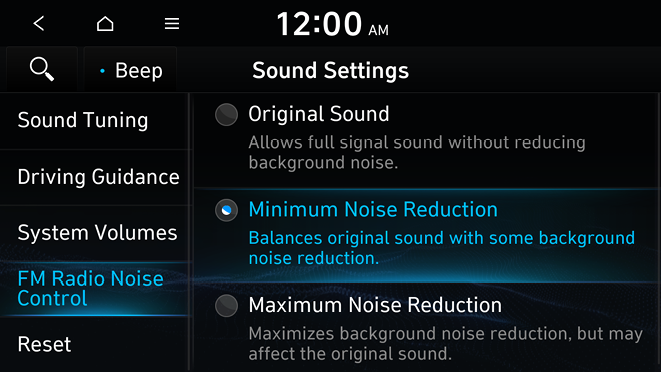
FM Radio Noise Control
You can customize sound quality when listening to radio by adjusting background noise of the original sound.
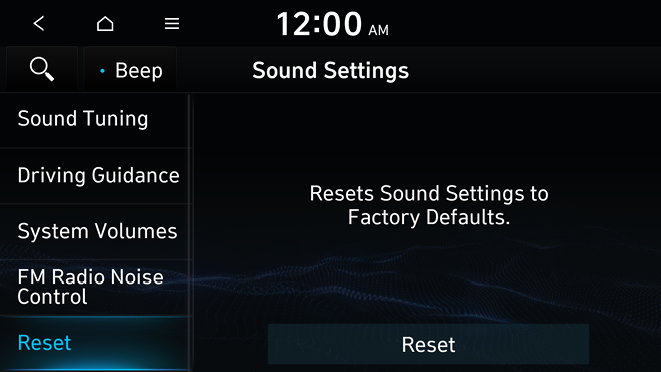
Reset
You can initialize all the sound settings.
Turning on/off the screen touch sound
To turn on or off the touch sound on the screen, press Beep at the top of the screen.


