Configuring the Bluelink settings
You can subscribe to the Bluelink service or see the modem information.
- On the All menus screen, press Settings ▶ Bluelink.
The Bluelink settings screen appears.
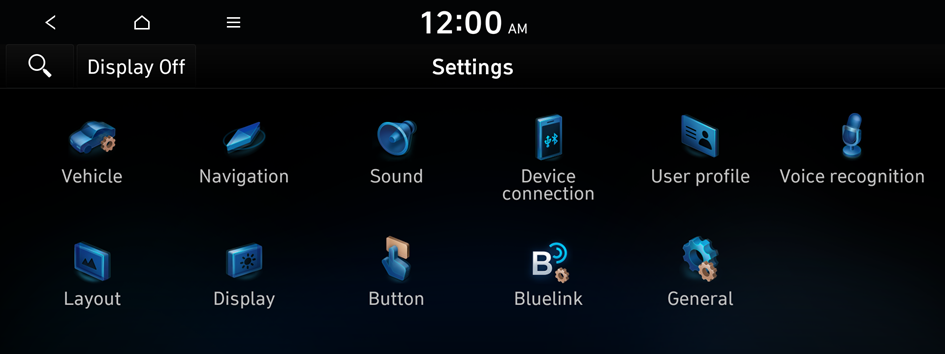
Type1
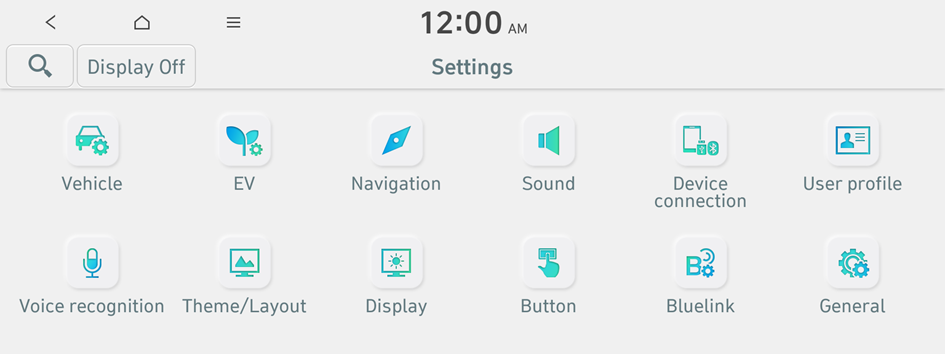
Type2
- The screen may differ depending on the vehicle model and specification.
- If the vehicle is type 2, it is possible to change the graphic theme to white or black. ▶ See "Graphic themes (if equipped)."
- Configure the settings required:
- Press
 ▶ Search for settings or press
  and enter a keyword to search for a setting item. You can also search for a setting item by voice.
Activate service
You can subscribe to the Bluelink service by using the Bluelink settings menu.
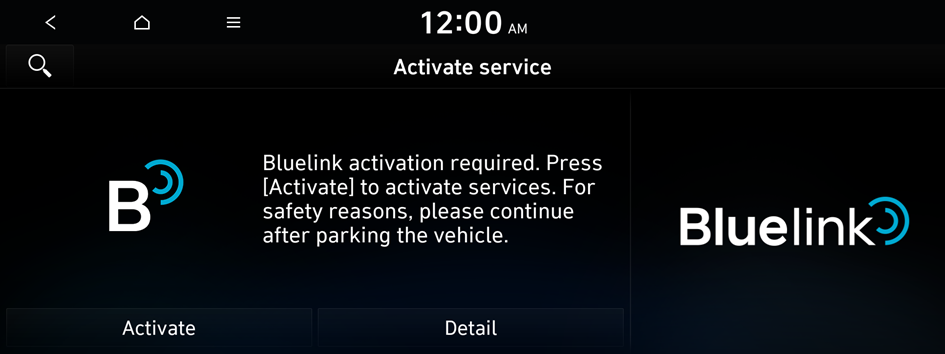
- For more information: ▶ see "Subscribing to the service."
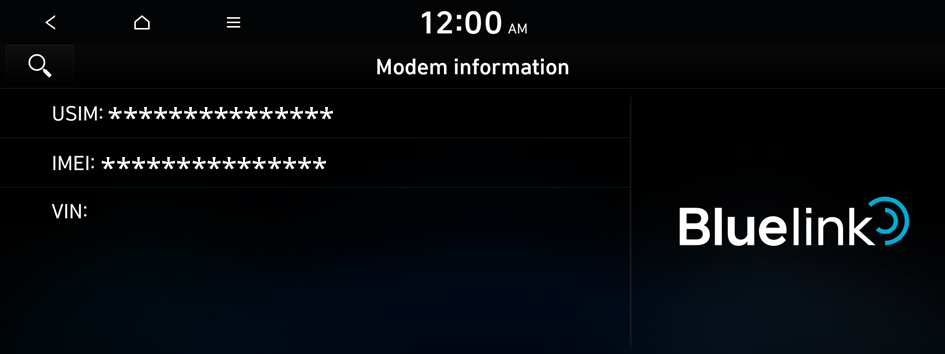
Modem information
You can check the modem information for use of the Bluelink service.
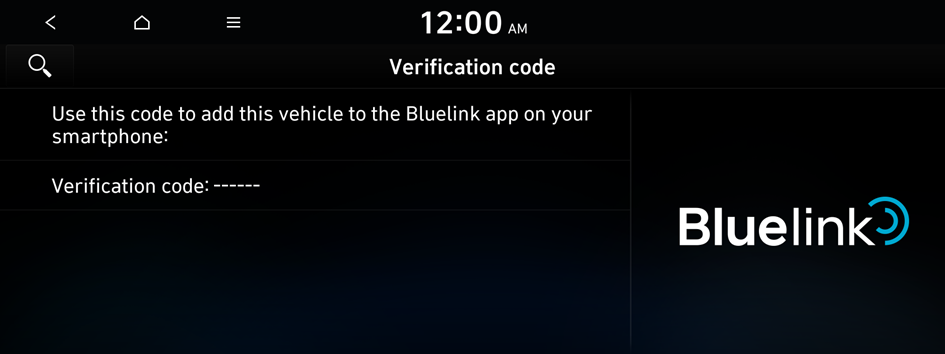
Verification code
Use this code to add a vehicle to the Bluelink app on your smartphone.
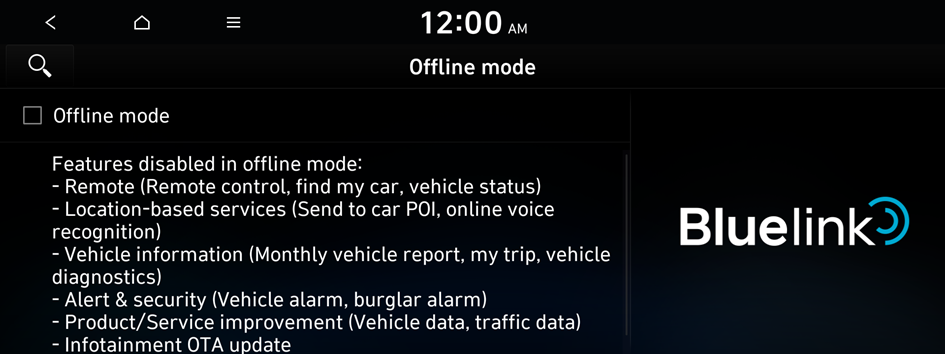
Offline mode
You can activate offline mode to protect your personal information. In offline mode, some Bluelink services are disabled.
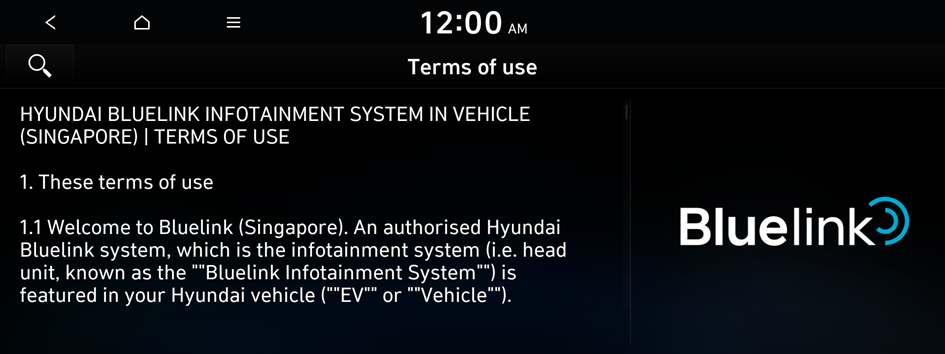
Terms of use
You can check the terms of use regarding the use of the Bluelink service.
Privacy policy
You can check the privacy notice regarding the use of the Bluelink service.


