Viewing traffic Information
You can see real-time traffic information such as ongoing road works or accidents.
- On the Navigation screen, press Traffic.

Type1

Type2
- Available icons and their arrangement may differ depending on the vehicle model and specifications.
- If the vehicle is type 2, it is possible to change the graphic theme to white or black. ▶ See "Graphic themes (if equipped)."
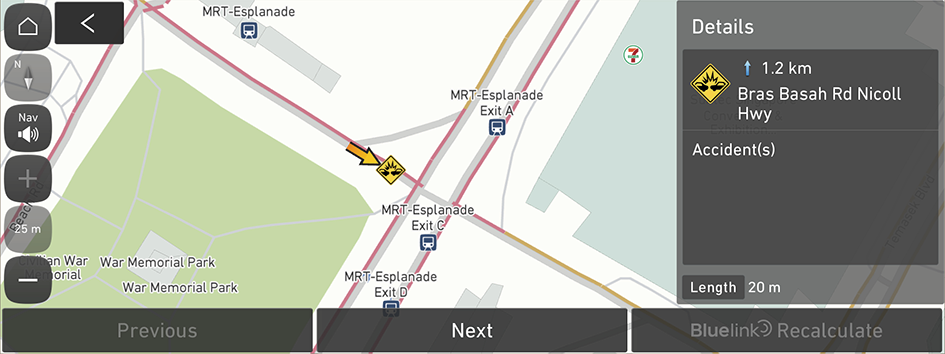
- Select an item from the real-time traffic information list and see the details.
- To reroute using recent traffic information while in guidance, press Recalculate.
- To see traffic information along the current route or to see all available traffic information, press On route.
- To select the type of traffic information, press Filter.

- Check the detailed traffic information.
- Traffic information for border crossings may not be accurate. Depending on the road conditions, note the information.


