Using the memory seat configurations (if equipped)
You can adjust the seat position. You can also save the current positions of all seats or load a saved seat position.
- While driving, it is not possible to adjust and save a seat position or load a saved seat position. First, stop the vehicle, and then change a seat position.
- On the All menus screen, press Memory seat configurations.
- Select and then change the settings.
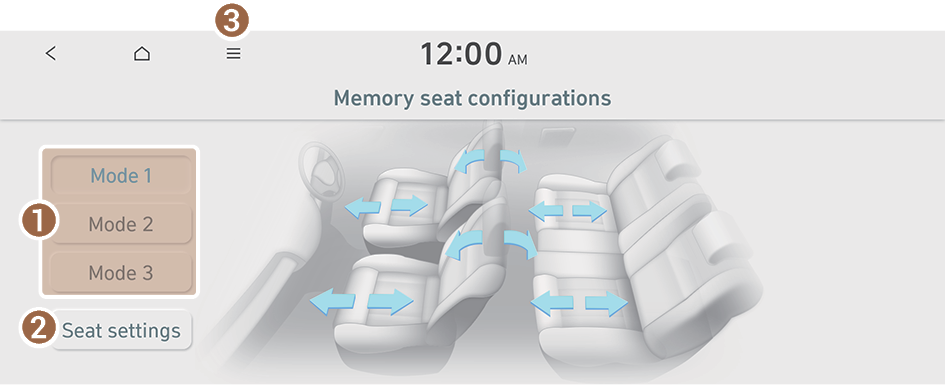
- Save the current positions of all seats or load a saved seat position.
- Up to three seat position modes can be saved.
- Displays the seat settings screen.
- The list of menu items appears.
- • Display Off: Turns off the screen. To switch the screen back on, press the screen or briefly press the power button.
- • Change name: Change the name of a mode.
- • Manual: Displays the QR code that provides access to the online user manual for the system.
- Save the current positions of all seats or load a saved seat position.


