Configuring the voice recognition settings
You can change the settings for voice recognition.
- Available settings may differ depending on the vehicle model and specifications.
- On the All Menus screen, press Setup ▶ Voice Recognition.
The voice recognition settings screen appears.
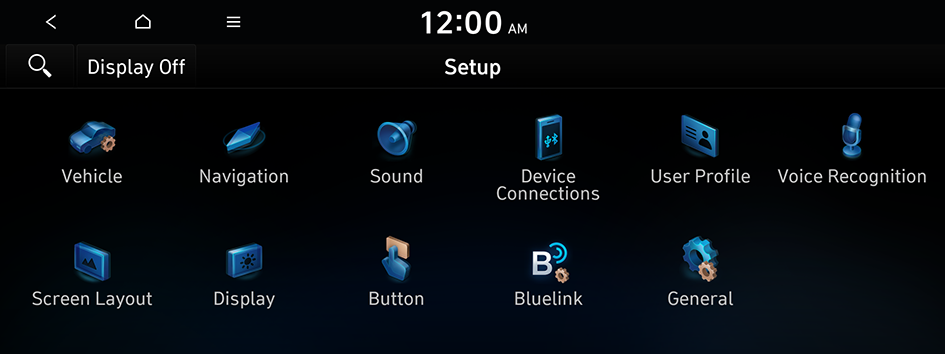
Type1
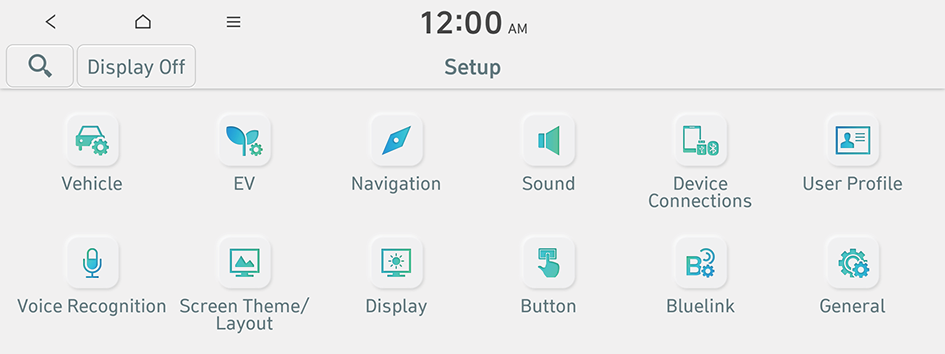
Type2
- The screen may differ depending on the vehicle model and specifications.
- When you change the language displayed on the system to English, the Voice Recognition feature is not supported. Change the system language to Korean (한국어). To set a system language, press Setup ▶ General ▶ Language.
- If the vehicle is type 2, it is possible to change the graphic theme to white or black. ▶ See "Graphic Themes (if equipped)."
- Configure the settings required:
- Press
 ▶ Search for Settings or press
  and enter a keyword to search for a setting item.
Kakao Friends (if equipped)
Specify a character to display when using Kakao speech recognition.
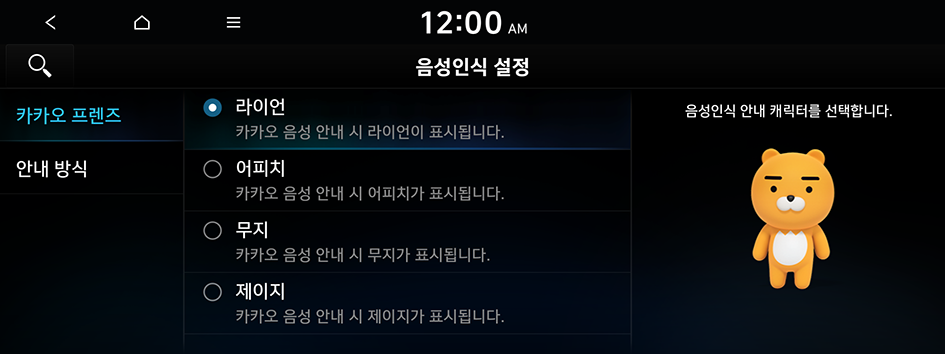
- The screen may differ depending on the vehicle model and specifications.
Audible Prompts
You can configure the voice guidance settings.
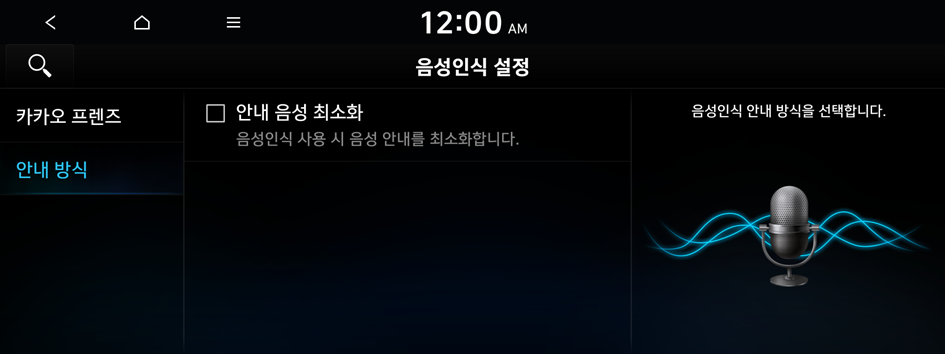
- The screen may differ depending on the vehicle model and specifications.


