Configuring the Bluelink settings
You can subscribe to the Bluelink service or see the modem information.
- Available settings may differ depending on the vehicle model and specifications.
- On the All Menus screen, press Setup ▶ Bluelink.
The Bluelink settings screen appears.
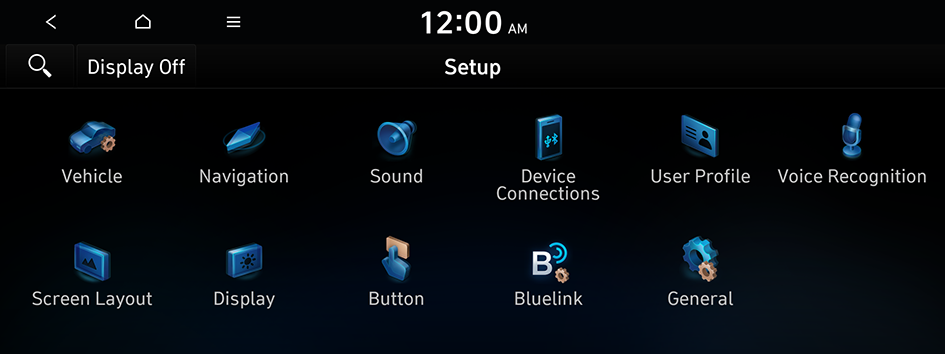
Type1
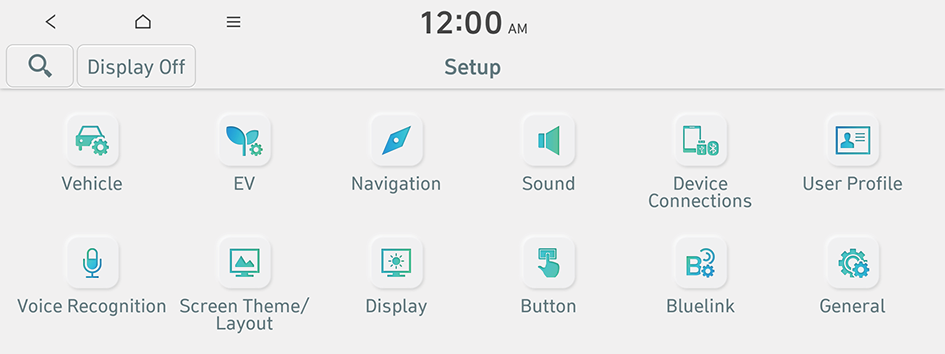
Type2
- The screen may differ depending on the vehicle model and specifications.
- If the vehicle is type 2, it is possible to change the graphic theme to white or black. ▶ See "Graphic Themes (if equipped)."
- Configure the settings required:
- Press
 ▶ Search for Settings or press
  and enter a keyword to search for a setting item.
Activate Service
You can subscribe to the Bluelink service by using the Bluelink settings menu.
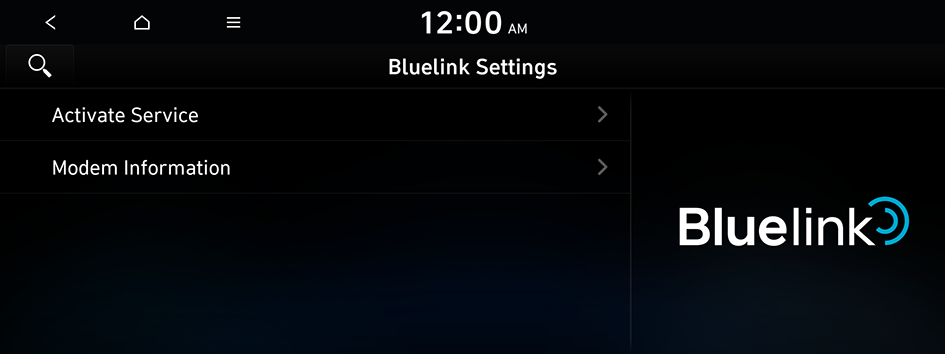
- Be sure to enter an authentication code for sign-up for the service. When you are an individual client, an authentication code is automatically sent to the mobile phone number registered in the vehicle sales contract. If you are a corporate client, enter a mobile phone number to receive an authentication code.
- For more details on how to subscribe to Bluelink, visit the company website at http://www.hyundai.com.
Modem Information
You can check the modem information for use of the Bluelink service.


