Accessing the All menus screen
You can see all menus on the Home screen.
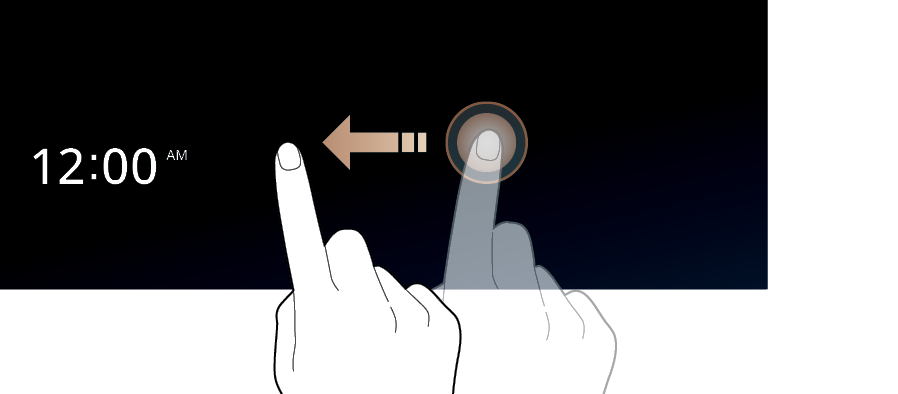
Press and gently swipe the Home screen to the left as shown below.
The All menus screen appears. You can see the list of all functions of the system.
Using the Menu Bar
Use the menu bar to display the previous screen, All menus screen or menu list.

- Returns to the previous step.
- Displays the All menus screen.
- The list of menu items appears.


