Voice recognition
This menu describes voice recognition settings.
Some functions and images may differ from the actual product, according to the model, option and country.
-
Press SETUP > Voice recognition.
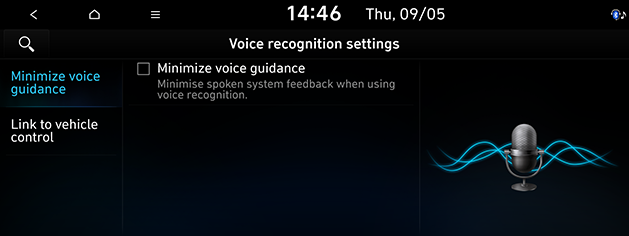
-
Press the desired items.
-
Minimize voice guidance: Minimises spoken system feedback when using voice recognition.
-
Link to vehicle control: Links the voice recognition to the vehicle control.
-
Mood lighting: Mood lighting is linked to the system's voice recognition providing visual feedback.
-
-
If you change the language set for the system to Korean, voice recognition will not be supported. Change the system language to English.