General settings
The images displayed on this system may differ from actual ones.
Move to general setting screen
Press [Setup] > [General] on the home screen. General settings screen is displayed.
|
|
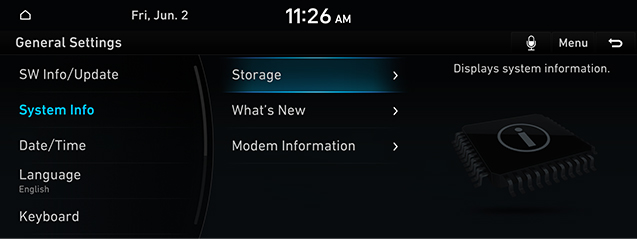
System information checking
The images displayed on this system may differ from actual ones.
Software information
You can see software, firmware, NAV APP and map version information.
In the general settings screen, press [SW Info/Update].
|
,Reference |
|
Software information is applied differently according to the system update time point. |
Update
For supplementation of system software, addition of new functions, and renewal of map, update is needed.
You can update latest map and software by downloading file from web site.
For details on update, check from web site.
- Download the latest file to USB and connect it to the USB terminal.
- In the general settings screen, press [SW Info/Update] > [Update].
- After completion, system automatically reboots.
|
,Reference |
|
System Info
- In the general settings screen, press [System Info].
|
|
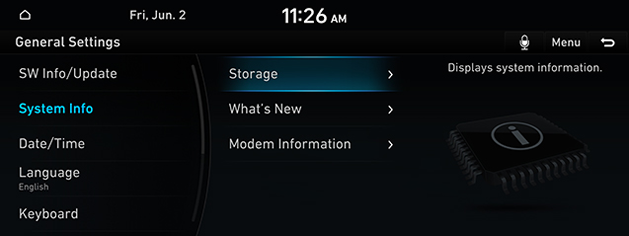
- Press the desired item.
- [Storage]: Displays the storage space of the voice memo currently in use.
- [What's New]: Checks update history.
- [Modem Information]: Shows the modem number/USIM/IMEI/VIN.
Date/Time
- In the general settings screen, press [Date/Time].
|
|
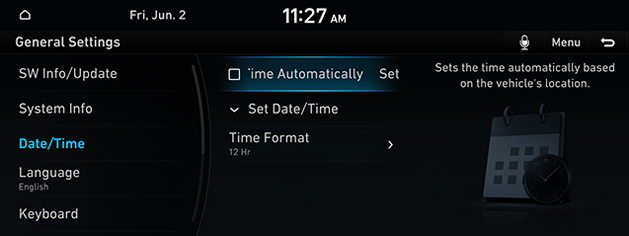
- Press the desired item.
- [Set the Time Automatically] : Sets the time automatically based on the vehicle's location.
- [Time Settings]: Set time applied to the system.
- [Time Format]: Sets the time format.
Language
You can set the system’s display language to Korean or English.
- In the general setting screen, press [Language].
|
|
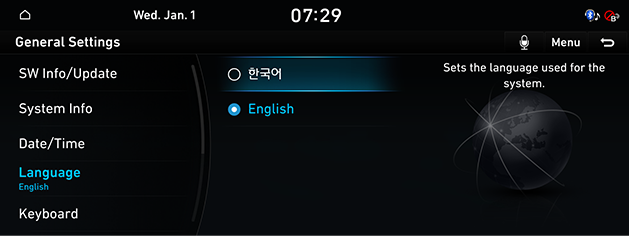
- Press the desired item.
|
,Reference |
|
When you set system language to English, voice recognition function is not supported. |
Keyboard
You can set type of keyboard used in the system.
- In the general setting screen, press [Keyboard].
|
|
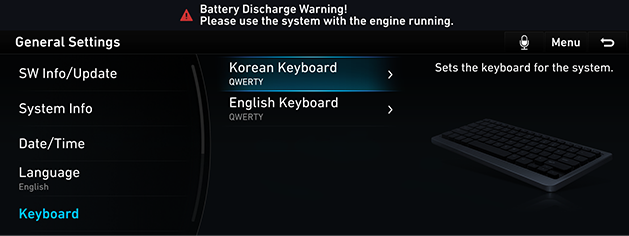
- Press the desired item.
Unit
You can set the units used in the system.
- In the general setting screen, press [Unit].
|
|
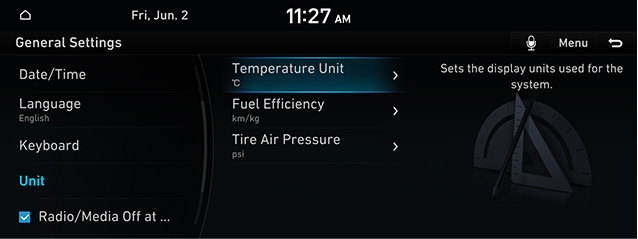
- Press the desired item.
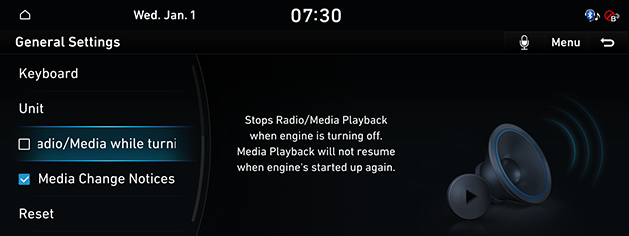
Radio/Media Off at Vehicle Startup
Stops media playback when engine is turning off.
Media playback will not resume when engine's started up again.
In the general setting screen, press [Radio/Media Off at Vehicle Startup].
|
|
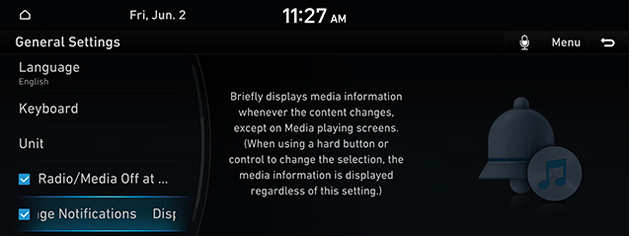
Media Change Notices
Briefly displays media information whenever the content changes, except on media playing screens.
In the general setting screen, press [Media Change Notices].
|
|
Reset general settings
You can reset user designated general related setting values.
- In the general setting screen, press [Reset].
- Press [Yes].