Using Contacts
Downloading Contacts from Mobile Phone
Contacts Record saved in the mobile phone can be downloaded into the system.
- Press [F] on the screen. The contacts screen opens.
- Press [Menu] > [Download].
|
,Reference |
|
Searching in Contacts
- Press [F] on the screen. The contacts screen opens.
- Press [Menu] > [Contacts Search].
|
|
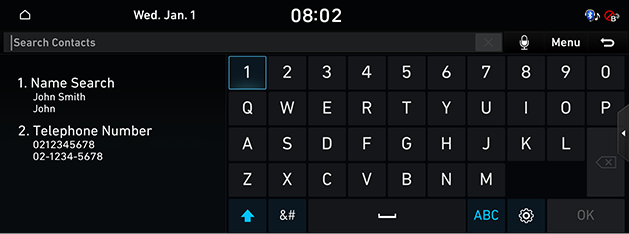
- Search by name or phone number.
|
|
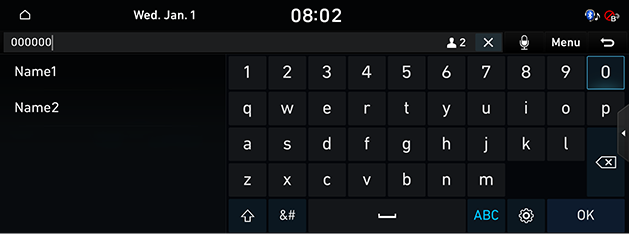
- Press the searched contact to make a call.
|
,Reference |
|